📊 Full opportunity report: How to Reduce Heat and Noise in a High-Power AI Workstation on ThorstenMeyerAI.com — validation score, market gap, and execution plan.

Get business pricing on tech for your team
- Business-only prices and quantity discounts
- Tax-exempt purchasing
- Multiple users, one account, clear invoices
TL;DR
High-power AI workstations generate significant heat and noise due to sustained GPU loads. Key methods include undervolting, optimizing cooling, and improving airflow. These steps help maintain performance while reducing thermal and acoustic issues.
High-power AI workstations produce excessive heat and noise under sustained load, impacting workspace comfort and hardware longevity. Confirmed methods like undervolting GPUs and optimizing cooling are effective, making these strategies essential for AI practitioners and system builders.
Unlike gaming PCs, AI workstations handle continuous, heavy workloads that keep GPUs at or near maximum capacity for hours, generating persistent heat and fan noise. The primary sources of heat include GPUs, CPUs, power supplies, and VRMs, with GPUs accounting for over 70% of thermal output during inference tasks.
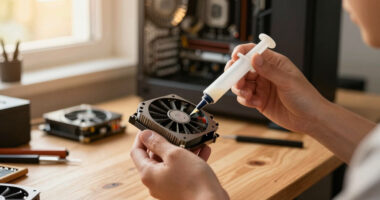
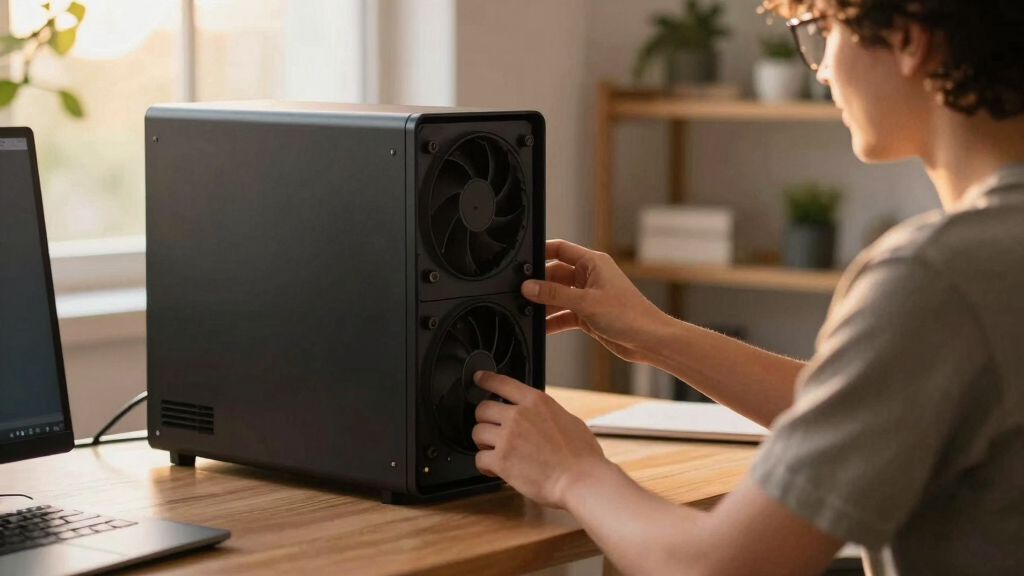
Key to managing this is reducing heat at the source through undervolting and power capping. Modern GPUs can often operate at reduced power limits with minimal performance loss, significantly lowering heat output and fan noise. Effective cooling solutions, including high-quality fans, liquid coolers, and improved case airflow, further mitigate thermal buildup. Proper airflow prevents recirculation of hot air, which exacerbates temperature and noise issues. Fan noise and coil whine are common contributors, with solutions ranging from fan speed adjustments to vibration damping.
An AI workstation isn’t a gaming PC —
and that’s why it runs hot.
Local inference is a sustained load: the GPU sits near full power for hours with no loading screens, so the heat never dissipates and the fans never get a break. Here’s where the heat comes from — and the five levers that reduce it.
Why Managing Heat and Noise Is Critical for AI Workstations
Reducing heat and noise in AI workstations extends hardware lifespan, maintains stable performance, and improves workspace comfort. As AI workloads become more demanding, these measures are vital for efficient, reliable operation, especially in environments where quiet operation is valued.
As an affiliate, we earn on qualifying purchases.
Understanding the Unique Thermal Challenges of AI Workstations
Unlike gaming PCs, AI workstations handle continuous, high-intensity workloads that keep components at peak load for hours. GPUs, especially when running inference or training models, generate sustained heat, often leading to throttling and increased fan noise. Strategies like undervolting and airflow optimization have gained prominence as effective ways to address these issues. Historically, cooling solutions for gaming PCs focus on bursty loads, but AI workloads demand continuous thermal management, making this a distinct challenge.
“Undervolting your GPU can cut heat and noise significantly without sacrificing performance, especially in memory-bound inference tasks.”
— Thorsten Meyer, AI hardware expert
Remaining Questions on Optimal Cooling Configurations
While undervolting and airflow improvements are proven effective, the optimal configurations vary by hardware and workload. The long-term impact of aggressive undervolting on hardware lifespan and stability remains under study. Additionally, the best liquid cooling solutions versus air cooling for specific setups are still under evaluation, and user experiences vary widely.
Next Steps for AI Workstation Thermal Optimization
Practitioners should experiment with undervolting and power capping tailored to their hardware, monitor thermal performance, and adjust airflow accordingly. Future developments may include more sophisticated cooling solutions and software tools for real-time thermal management. Ongoing research aims to refine best practices for balancing performance, longevity, and acoustic comfort in high-power AI environments.
Key Questions
Can undervolting affect GPU performance?
In most memory-bound inference workloads, undervolting reduces heat and noise with little to no performance loss. However, aggressive undervolting may impact performance in compute-bound tasks or if stability issues arise, so testing is recommended.
What cooling methods are best for high-power AI workstations?
High-quality air coolers, liquid cooling systems, and improved case airflow are effective. The choice depends on budget, space, and noise preferences. Proper case ventilation is critical regardless of cooling type.
How much can I reduce noise without sacrificing cooling performance?
Adjusting fan speeds, using vibration damping mounts, and optimizing airflow can significantly lower noise. However, reducing fan speed too much may increase temperatures; balancing cooling and noise is key.
Is liquid cooling necessary for AI workstations?
Not always. High-quality air cooling can suffice if airflow is optimized. Liquid cooling offers lower noise and better thermal performance but involves higher cost and maintenance.
How does workload type influence cooling needs?
Sustained workloads like inference and training generate more heat than gaming or occasional tasks, requiring more aggressive cooling and thermal management strategies.
Source: ThorstenMeyerAI.com
Fall Picks
fall essentials
As an affiliate, we earn on qualifying purchases.