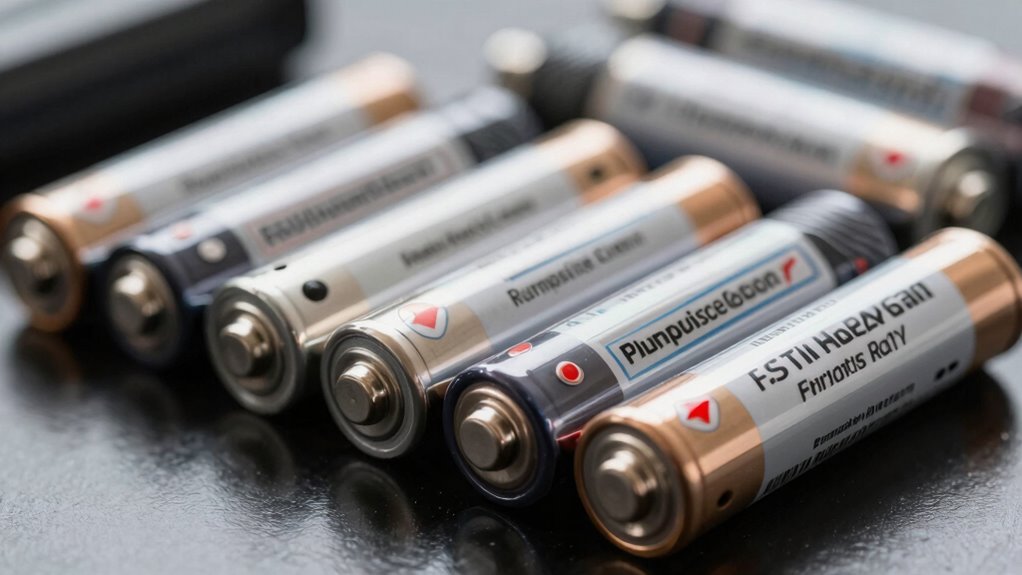

Before spending big on backup batteries, check their lifespan, especially the cycle life and warranty, to ensure long-term durability. Confirm compatibility with your devices, including voltage, connectors, and charging protocols. Take into account the size and weight for portability, and look for essential safety features like overcharge and thermal protection. These aspects help protect your investment and ensure smooth operation. If you want to get the most out of your backup power, there’s more to consider just ahead.
Key Takeaways
- Verify the battery’s cycle life, warranty, and chemistry to ensure durability and long-term value.
- Confirm compatibility with your devices’ voltage, connectors, and charging protocols.
- Consider size and weight to balance capacity needs with portability and space constraints.
- Check safety features like overcharge, thermal regulation, and short-circuit protection for device and user safety.
- Utilize monitoring features and understand support options to maintain battery health and performance over time.
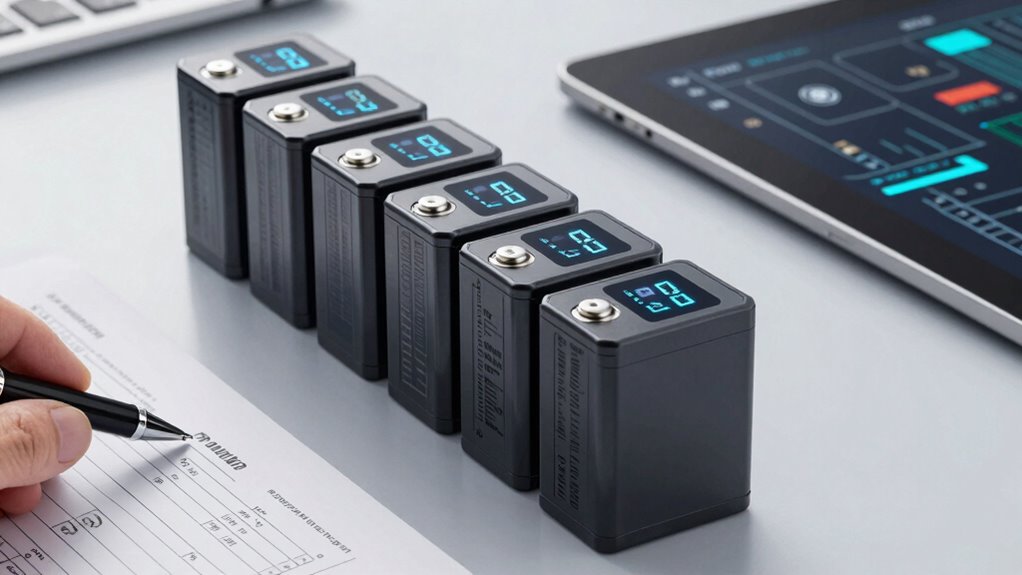
When choosing a backup battery, it’s crucial to know what features and specifications to check, so you’re prepared for emergencies. One of the most critical factors is battery lifespan. You want a backup that can reliably power your devices when you need it most, without quick degradation over time. Look for information on the expected cycle life, which indicates how many charge and discharge cycles the battery can handle before its capacity drops noticeably. Batteries with longer lifespans might cost more initially, but they tend to save you money in the long run by reducing the frequency of replacements. Additionally, consider the warranty period offered by the manufacturer, as it often reflects the confidence they have in the product’s durability.
Compatibility considerations are equally crucial. Not all backup batteries work seamlessly with every device or system. Before making a purchase, check the specifications carefully—especially output voltage, current, and connector types. You don’t want to end up with a battery that’s incompatible with your equipment, as that could render the backup useless or even damage your devices. Some backup batteries are designed specifically for certain appliances, like UPS systems, laptops, or solar storage, so ensure you match the battery to your particular needs. Also, verify if the battery can integrate with existing power setups, especially if you’re using larger, more complex systems. Compatibility considerations extend beyond just the device connections; some batteries require specific charging protocols or software updates to work correctly. Furthermore, understanding battery chemistry can help you determine the safety, efficiency, and lifespan of the backup power source. A proper understanding of power management is essential to optimize your backup system’s performance and longevity. Using charge cycles efficiently can help prolong the overall lifespan of your battery, so it’s worth considering how the device manages charging and discharging. Being aware of charging protocols can also prevent potential issues with device compatibility and safety. It’s also helpful to familiarize yourself with battery monitoring features, which can give real-time insights into your battery’s health and help prevent unexpected failures.
Another aspect to keep in mind is the physical size and weight of the battery. A high-capacity backup might be powerful but also bulky and heavy, making it less practical for certain spaces or mobility needs. If portability is important, look for compact options with sufficient capacity. Conversely, if space isn’t an issue, you may prioritize larger batteries with extended runtime.
Finally, don’t overlook safety features, such as overcharge protection, thermal regulation, and short-circuit prevention. These features can greatly extend the lifespan of your backup battery and safeguard your devices during power fluctuations or failures. Remember, investing in a high-quality, well-suited backup battery means fewer worries during outages and a more dependable power backup system overall. By carefully considering battery lifespan, compatibility considerations, size, safety features, and warranty, you’ll make a smarter, more informed choice that serves your needs effectively.

12V 100Ah LiFePO4 Lithium Battery Group 31 Deep Cycle for RV Trolling Motor
- Advanced Smart BMS: Provides comprehensive safety protections
- All-Weather Safety: Automatic low-temperature cut-off included
- Stable LiFePO4 Chemistry: Ensures thermal runaway prevention
As an affiliate, we earn on qualifying purchases.
As an affiliate, we earn on qualifying purchases.
Frequently Asked Questions
How Long Do Backup Batteries Typically Last Before Needing Replacement?
Backup batteries typically last between 3 to 5 years, depending on usage and maintenance. Your battery lifespan influences how often you’ll need replacements, usually every 3 to 5 years. To maximize their lifespan, keep an eye on performance, perform regular checks, and follow manufacturer recommendations. Proper care can extend the replacement frequency, ensuring your backup power remains reliable when you need it most.
Are There Specific Safety Certifications to Look for in Backup Batteries?
You might think all backup batteries are safe, but look for safety certifications to be sure. Focus on safety standards like UL or CE labels—these certification labels prove the battery meets essential safety criteria. Don’t be fooled by flashy packaging; a product without proper certification can pose risks. Checking for these labels guarantees you’re investing in a reliable, safe backup power source, rather than a potential hazard waiting to happen.
What Are the Environmental Impacts of Disposing of Backup Batteries?
Disposing of backup batteries can have significant environmental impacts if not handled properly. Harmful chemicals like lead, acid, and lithium can leach into soil and water, causing pollution. To minimize this, you should follow recommended disposal methods, such as recycling through certified facilities. Proper disposal guarantees hazardous materials are safely managed, reducing environmental harm and promoting sustainability. Always check local regulations and recycling programs before discarding backup batteries.
Can Backup Batteries Be Used for Multiple Devices Simultaneously?
Think of backup batteries as power hubs, capable of fueling multiple devices at once if designed correctly. You can use them for multiple devices simultaneously, but check device compatibility to guarantee each gadget gets the right voltage and current. Charging efficiency varies; some batteries distribute power evenly, while others prioritize certain devices. Always review the specifications to maximize performance and avoid overloading, ensuring your backup power keeps all your devices running smoothly.
How Do Warranty and Customer Support Vary Across Brands?
You’ll find that warranty and customer support vary widely across brands, often influenced by their reputation. Well-known brands usually offer more extensive warranties and reliable technical support, giving you peace of mind. Smaller or lesser-known brands might provide limited support, so it’s vital to read reviews and check their customer service responsiveness. Choosing a brand with a strong reputation guarantees you get better warranty coverage and dependable technical support when needed.
Conclusion
Before you invest in backup batteries, remember to check their capacity, compatibility, and warranty. Don’t overlook the importance of user reviews and brand reputation. Did you know that nearly 60% of battery failures are due to improper selection or installation? Taking these steps guarantees you’re prepared for power outages and avoid costly mistakes. Make informed choices now, and you’ll enjoy reliable backup power when you need it most.