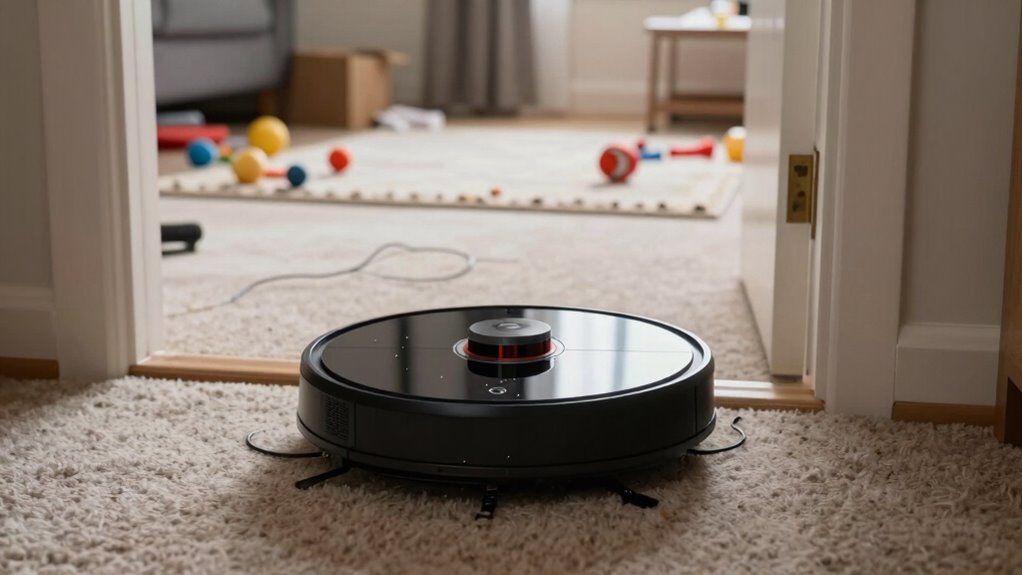
If your smart cleaning robot is missing entire rooms, the issue likely stems from improper setup, such as outdated or incorrect maps, misaligned sensors, or obstacles that aren’t correctly identified. Dusty sensors or cluttered environments can fool the navigation system, causing missed areas. Rearranging furniture and cleaning sensors can help. Regular updates and map corrections improve coverage. Want to know more about fixing these common setup errors? Keep going to find the solutions you need.
Key Takeaways
- Incorrect or outdated maps can cause robots to skip entire rooms during cleaning.
- Obstructed or misaligned sensors impair navigation, leading to missed areas.
- Environmental clutter or loose cables confuse sensors, preventing full room coverage.
- Poor battery calibration causes the robot to stop prematurely, missing sections.
- Software or firmware issues can result in navigation errors and incomplete cleaning.
Setting up a cleaning robot may seem straightforward, but many users encounter errors that prevent their devices from working properly. One common mistake that leads to missed rooms is related to improper calibration of the robot’s battery. When your device isn’t calibrated correctly, it might interpret its remaining charge inaccurately, causing it to stop prematurely or return to the charging dock before finishing the entire cleaning cycle. This often results in large sections or entire rooms being left untouched. To avoid this, you need to verify your robot understands its battery capacity. Typically, this involves letting it fully drain and then charging it completely without interruption, so it can accurately gauge its power level. If you notice the robot stopping mid-clean without reason, recalibrating the battery might fix the issue. Ensuring your battery calibration process is thorough can significantly improve the robot’s performance and cleaning coverage. Additionally, sensor calibration is crucial, as misaligned sensors can lead to navigation errors and missed areas. Regularly checking and updating your robot’s software can also help prevent software glitches that might impact navigation. Proper sensor maintenance and ensuring they are free of dust or debris can further enhance navigation accuracy.
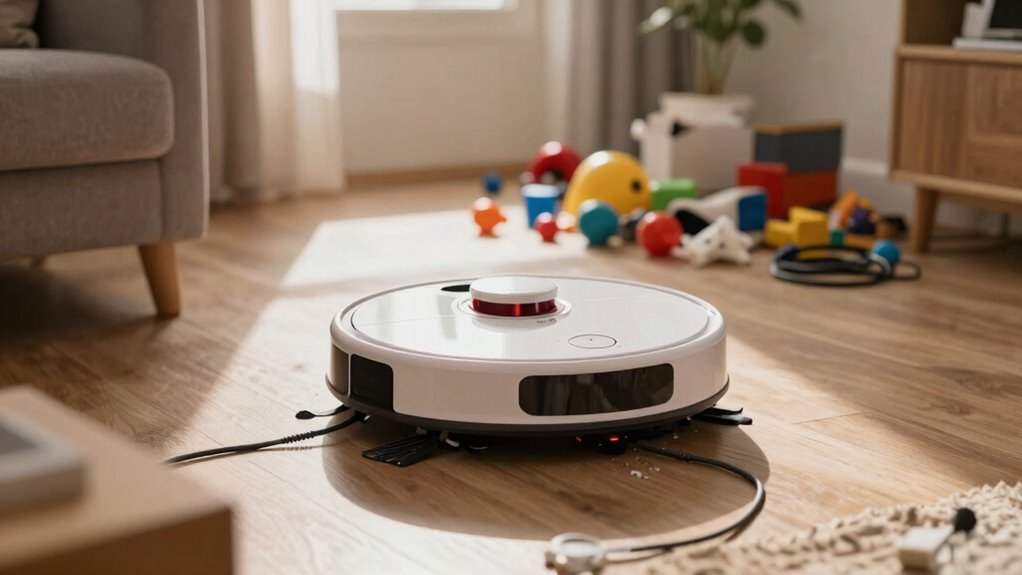
Another key factor that causes your robot to miss rooms is obstacle detection errors. Modern cleaning robots rely heavily on sensors to navigate your home, but if these sensors aren’t functioning properly or are obstructed, the robot may misjudge its environment. It might think an area is blocked or inaccessible when it’s not, causing it to avoid entire zones. Alternatively, it could get stuck or confused, leading to incomplete cleaning. To prevent this, make sure the sensors are clean and free of dust or debris. Regularly wiping the bumpers and camera lenses helps maintain accurate obstacle detection. Additionally, reviewing the layout in the robot’s app can help you identify potential navigation issues. Sometimes, furniture arrangements or loose cables can confuse sensors, so rearranging or securing items can improve the robot’s ability to map rooms correctly. Proper setup also involves mapping your space accurately and updating the robot’s firmware to the latest version. If the robot’s map isn’t recent or contains errors, it might skip or ignore certain areas. Many models allow you to review and edit the map, removing false obstacles or marking missed areas. Doing so ensures the robot recognizes all rooms and navigates efficiently. Remember, a well-calibrated battery, clear obstacle detection, and accurate mapping are the pillars of thorough cleaning. If your robot still misses rooms after these adjustments, consulting the user manual or customer support can provide device-specific troubleshooting tips. Ultimately, a little maintenance and careful setup go a long way in making sure your smart cleaning robot does its job thoroughly without leaving any space untouched.

MONSGA Robot Vacuum and Mop Combo, 90 Days Self-Emptying with 8000Pa Suction, LiDAR Smart Mapping, Dual Anti-Tangle for Pet Hair, Carpet and Hard Floor
8000Pa Max Suction Meets Dual Anti-Tangle Design: From scattered crumbs to fluffy pet fur, this robot vacuum handles…
As an affiliate, we earn on qualifying purchases.
As an affiliate, we earn on qualifying purchases.
Frequently Asked Questions
Can Software Updates Fix the Setup Error?
Yes, software updates can fix the setup error by improving robot calibration and addressing bugs that cause missed rooms. When you update your robot’s software, it often includes troubleshooting tools that refine navigation and sensor accuracy. Make sure to follow the manufacturer’s instructions for updating. Regular software troubleshooting helps your robot navigate more effectively, minimizing missed areas and ensuring thorough cleaning.
How Often Should I Recalibrate My Robot?
You should recalibrate your robot whenever you notice it missing spots or struggling to navigate, like tuning a musical instrument. Regularly updating your cleaning schedule and sensor calibration keeps it performing at its best. Aim for recalibration every three to six months, or sooner if you notice issues. This helps prevent setup errors that cause missed rooms, ensuring your robot cleans efficiently and thoroughly every time.
Does Room Size Affect Setup Accuracy?
Room size definitely impacts setup accuracy because larger rooms with varied dimensions can confuse your robot’s sensor calibration. When you set up, make sure to input accurate room dimensions to help the robot map effectively. If the room is irregular, recalibrate sensors regularly to guarantee consistent cleaning. Proper setup considering room size helps prevent missed spots and makes your robot’s navigation more precise, improving overall cleaning performance.
Are There Specific Brands More Prone to This Error?
Sure, some brands are more prone to this setup error than others, thanks to their questionable reliability and higher error frequency. You’ll find that lesser-known or budget brands often skimp on thorough calibration, leading your smart robot to mysteriously ignore whole rooms. If you want to avoid this comedic chaos, stick with reputable brands known for consistency. Otherwise, prepare for a comedy of errors every time you hit ‘clean.’
Can I Manually Correct Missed Areas After Cleaning?
Yes, you can manually correct missed areas after cleaning. Most smart cleaning robots allow you to use a companion app or remote control for manual correction. Simply select the missed areas or specific zones, and the robot will focus on cleaning those spots. This feature helps guarantee no spots are left untouched, especially if the robot initially missed certain areas due to setup errors or obstacles.

Midukit Vacuum Attachments Accessories for Robot Vacuum Cleaner,Cleaning Brush roll Cleaning Tool Replacement Parts, Part kit Tool for Vacuums Cleaner Replacement Include Vacuum Cleaning Cloth
Midukit vacuum cleaning kit for robot, dyson. Vacuum cleaning tool includes Cleaning Brush, tweezers, screwdriver (Phillips, Slotted), double-end…
As an affiliate, we earn on qualifying purchases.
As an affiliate, we earn on qualifying purchases.
Conclusion
Just like Icarus flying too close to the sun, a simple setup error can cause your smart cleaning robot to overlook entire rooms. Don’t let small mistakes lead to big messes—take the time to set up your robot correctly. Remember, even the most advanced technology needs careful guidance to reach its full potential. By avoiding these pitfalls, you guarantee your home stays spotless, and your peace of mind remains intact.

DGFTB 3400mAh Robot Vacuum Cleaner Battery for Pure Clean PUCRC26B PUCRC25 PUCRC25_0 Model Series Robot Vacuum Cleaner Battery Replacement New with Installation Tools
【Replacement Battery Type】 Voltage: 10.8V / 11.1V ; Capacity: 3400mAh / 37.74Wh ; Battery Type: Li-ion Battery ;…
As an affiliate, we earn on qualifying purchases.
As an affiliate, we earn on qualifying purchases.

Shark Ion Robot Vacuum Cliff Sensor Set, Drop Infrared Sensor Set – 750R01US 761R01US Model
Shark Ion Robot Vacuum Cliff Sensor Set – Infrared Drop Sensors
As an affiliate, we earn on qualifying purchases.
As an affiliate, we earn on qualifying purchases.