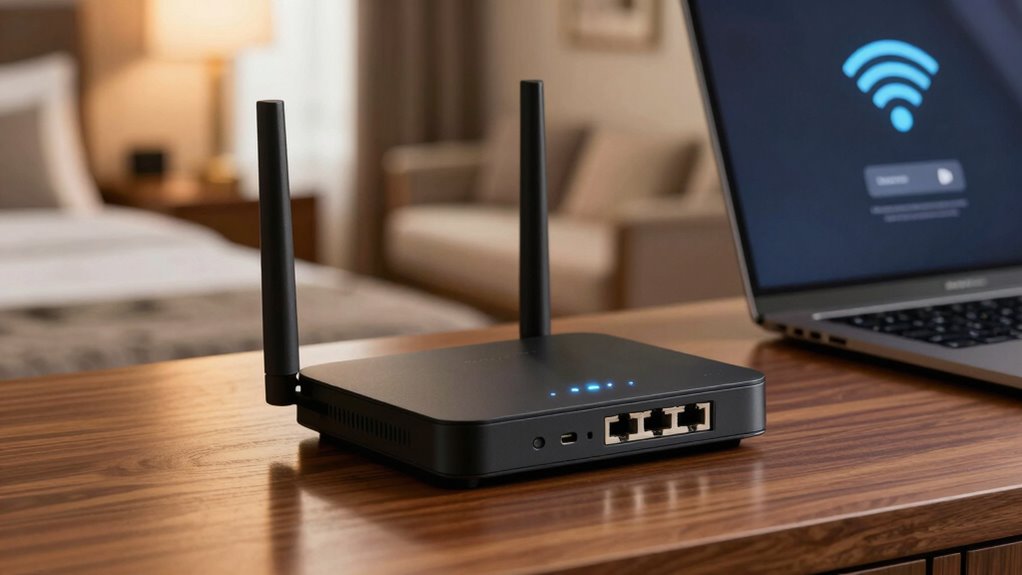

Using a travel router is your best move to secure hotel Wi-Fi. It creates a private, encrypted network, protecting your personal data from cyber threats and unauthorized access. To set it up, choose a model with WPA3 or VPN features, connect it securely, and change default passwords to strong, unique ones. Keep your information safe with these steps and extra tips, and you’ll discover how to boost your security even further.
Key Takeaways
- Use a travel router with WPA3 encryption and built-in VPN support for enhanced security.
- Connect the router to hotel Wi-Fi, then create a private, encrypted network for your devices.
- Configure the router with a strong, unique password and disable default settings to prevent unauthorized access.
- Enable VPN and data encryption to protect sensitive information from interception on public networks.
- Regularly update router firmware and verify network security features before connecting your devices.

GL.iNet GL-MT3000 (Beryl AX) Portable Travel Router, Pocket Wi-Fi 6 Wireless 2.5G Router, Portable VPN Routers WiFi for Travel, Public Computer Routers, Business, Moblie/RV/Cruise/Plane
- Dual Band Wi-Fi 6: Speeds up to 574Mbps (2.4G) and 2402Mbps (5G)
- Multi-Gigabit Ports: 2.5G WAN and 1G LAN ports for fast connectivity
- USB 3.0 Port: Connect external devices easily
As an affiliate, we earn on qualifying purchases.
As an affiliate, we earn on qualifying purchases.
Why Hotel Wi-Fi Is a Security Risk
Hotel Wi-Fi networks often lack robust security measures, making them vulnerable to cyberattacks. When you connect to public Wi-Fi, you’re exposing yourself to potential hotel risks, such as data theft or hacking. Many hotel networks use outdated encryption or weak passwords, making it easier for cybercriminals to intercept your information. Public Wi-Fi also attracts malicious actors who monitor unsecured networks for vulnerable devices. Without proper protection, your personal data, login credentials, and financial information are at risk. Hackers can easily access unprotected networks, putting your privacy in jeopardy. Additionally, cyberattack techniques like side-channel attacks can be employed to extract sensitive information even from seemingly secure connections. That’s why understanding these hotel risks is essential to staying safe. Using insecure Wi-Fi can lead to significant security breaches, so it’s vital to take precautions before connecting. Implementing network security best practices can help protect your devices and data from potential threats. Being aware of vulnerable network configurations can further aid in maintaining your safety while traveling. Recognizing wireless security protocols and their limitations can help you make more informed choices about your connection security. Protecting your gear and understanding urban traffic confidence can help you stay alert and secure even when traveling.
What Is a Travel Router and How Does It Work?
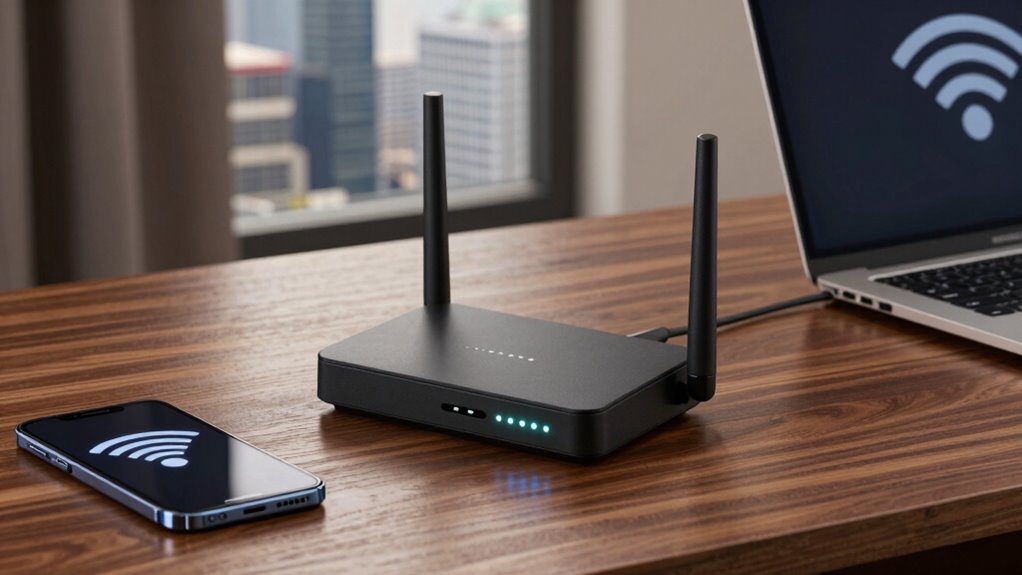
A travel router connects to hotel Wi-Fi and creates a secure network for your devices. It works by sharing the internet connection privately, so you’re not exposed to the hotel’s network risks. Using one offers benefits like enhanced security and better control over your online privacy. Additionally, smart network management can optimize your connection for improved performance and security. By understanding device limitations, travelers can choose the best equipment to ensure reliable and safe internet access during their trips. Recognizing network security can also be important for personal hygiene, especially when maintaining proper hand and nail care while traveling. Being aware of security protocols helps ensure your data remains protected throughout your journey.
How Travel Routers Work
Travel routers serve as compact devices that enhance your internet experience on the go by sharing a single Wi-Fi connection across multiple devices. When you’re at a hotel, these routers connect to the hotel’s Wi-Fi, creating a secure, private network for your devices. This setup allows you to access hotel amenities like streaming services or work tools without exposing your devices to potential vulnerabilities. Travel routers are especially useful at various travel destinations, where public Wi-Fi can be inconsistent or unsafe. They act as a bridge, managing the connection and providing additional security. Additionally, network security features in modern travel routers help protect your data from potential threats. These features often include encryption protocols that safeguard your information during transmission. By doing so, they help you stay connected smoothly, whether you’re relaxing in your hotel room or exploring new places. This smart device simplifies your connectivity while keeping your data protected and offers easy setup for stress-free use. Using a travel router also helps to prevent unauthorized access by creating a separate network that isolates your devices from the hotel’s shared Wi-Fi environment. Some models also include automatic security updates, ensuring your device remains protected against emerging threats without manual intervention.
Benefits of Using One
Using a travel router offers several advantages that can considerably improve your internet experience while on the go. It creates a secure, private network, protecting your data from hotel branding Wi-Fi hotspots that may be insecure or unreliable. This device allows multiple gadgets—laptops, smartphones, tablets—to connect seamlessly, avoiding connectivity drops. Additionally, a travel router can help you access your loyalty programs securely, ensuring sensitive information stays protected. It simplifies sharing one internet connection across devices without risking exposure to public networks. Furthermore, using a travel router can help you achieve 2TB SSD speed and reliable connectivity, making it easier to work, stream, or communicate. Being aware of internet security best practices can further help safeguard your online activities. Ultimately, it’s a smart investment for safer, more reliable internet access during your trips.
How to Choose the Right Travel Router for Your Needs
Choosing the right travel router depends on understanding your specific needs and how you’ll use it. Think about the types of network accessories and travel gadgets you’ll connect, as well as the number of devices you’ll support simultaneously. If you need fast internet for work, look for routers with strong Wi-Fi standards and multiple Ethernet ports. For casual browsing or streaming, a compact, easy-to-set-up model might suffice. Consider battery life if you’ll use it offline, and check compatibility with hotel networks. Portability is key—choose a lightweight, durable device that fits easily in your bag. Additionally, understanding safe and secure networking practices is essential to protect your devices from potential threats. By evaluating these factors, you’ll select a travel router that ensures reliable, secure connections tailored to your travel habits. It’s also helpful to review device encryption features to enhance your security during use. Incorporating network security protocols can further safeguard your data when connected to public Wi-Fi networks. Moreover, being aware of secure configuration settings can prevent unauthorized access and keep your connections safe. Recognizing the importance of regular firmware updates can also help maintain optimal security and performance of your device.
How to Set Up Your Travel Router Step-by-Step
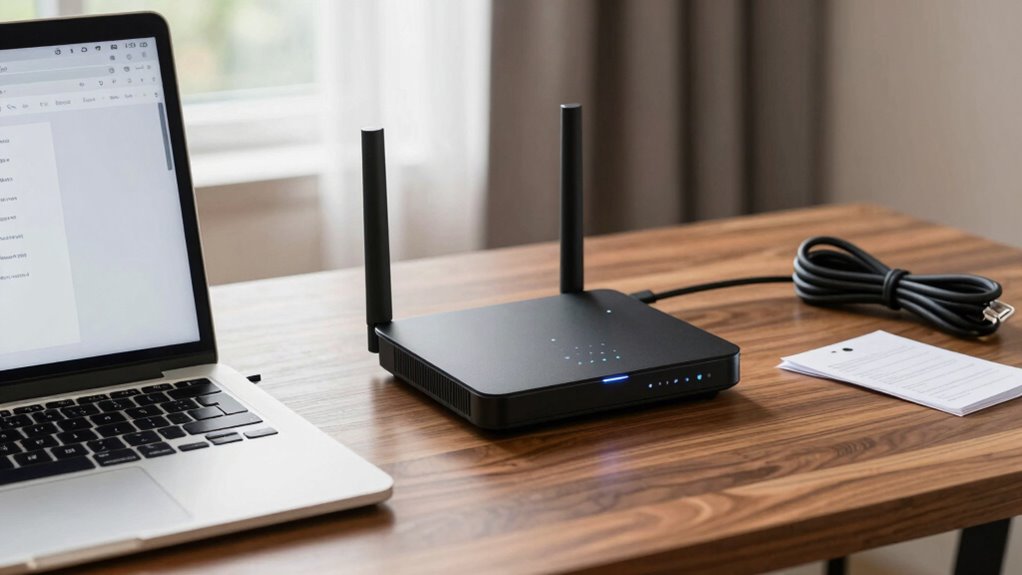
Setting up your travel router might seem intimidating at first, but with clear steps, it’s straightforward. Start by connecting your router to a power source and accessing its setup page through your device’s Wi-Fi. When in a hotel lobby, avoid public networks to protect your luggage security; instead, use your phone’s hotspot or a trusted connection. Follow the manufacturer’s instructions to configure your network, choosing a unique network name and strong password. Make sure your router is set to share your secure connection while isolating hotel Wi-Fi from your devices. Position your travel router in a central location in your room to boost signal strength. Additionally, changing default settings can help prevent unauthorized access to your network. Familiarizing yourself with security best practices can further enhance your network protection. Once set up, test your connection on multiple devices to confirm everything works smoothly, ensuring hotel Wi-Fi security during your stay.
How to Secure Your Travel Router With a Strong Password
To keep your travel router secure, start by choosing a unique and strong password that others can’t guess. Make sure to enable WPA3 encryption for the best protection. Don’t forget to update your password regularly to stay ahead of potential threats.
Choose a Unique Password
Securing your travel router starts with creating a strong, unique password that’s hard for others to guess. Avoid common passwords and consider password complexity, combining uppercase, lowercase, numbers, and symbols. Never share your password with others; sharing weakens your security. To help clarify what makes a good password, see the table below:
| Easy to Guess | Moderate | Strong & Unique |
|---|---|---|
| password123 | Summer2024 | T!m#8p#2xQz! |
| qwerty | MyHotel2024 | S7&f!rG9kL2# |
| 123456 | Travel$afe | Cx#7p!V2q*H9 |
Choose a unique, complex password to keep your network safe and prevent unauthorized access.
Enable WPA3 Encryption
Enabling WPA3 encryption substantially enhances your travel router’s security by providing a stronger, more resilient connection. This upgrade aligns with modern encryption standards, making it much harder for hackers to intercept your data, especially in hotel security environments. WPA3 offers improved protection against brute-force attacks and ensures your wireless traffic remains private. By turning on WPA3, you’re adopting the latest security protocol, which is now recommended over older standards like WPA2. This simple step helps safeguard your sensitive information, such as passwords and personal details, while you’re on the road. Always verify your router supports WPA3 and enable it in the settings. Doing so greatly boosts your hotel Wi-Fi security and keeps your connection safe from potential threats.
Regularly Update Password
Have you updated your travel router’s password recently? Regularly changing your password is key to maintaining security. Here’s why it matters:
- It prevents unauthorized access by keeping your password fresh and less predictable.
- It enhances password management, making it easier to create strong, unique passwords.
- It supports effective network monitoring, allowing you to spot suspicious activity quickly.
How to Create a Private Wi-Fi Network at Your Hotel
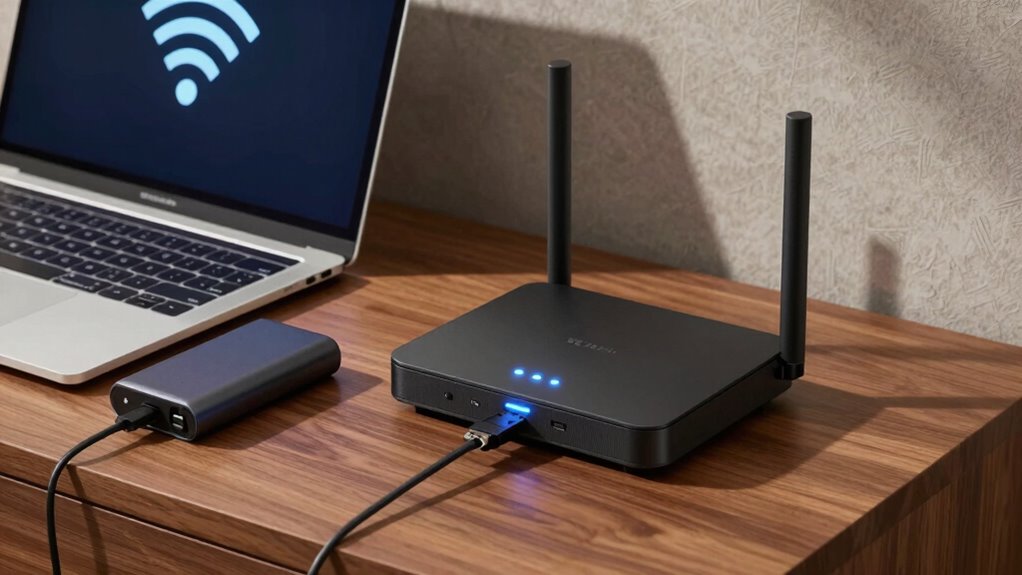
Creating a private Wi-Fi network at your hotel is an effective way to safeguard your guests’ sensitive information and guarantee a secure browsing experience. Public Wi-Fi networks are often vulnerable, making it easy for hackers to intercept data. By setting up a dedicated, private network, you control access and reduce exposure to these risks. Enable data encryption on your router to protect information exchanged over the network, preventing eavesdroppers from reading sensitive details. Use strong, unique passwords for your network and avoid broadcasting the SSID publicly. This approach ensures only authorized guests connect to your private Wi-Fi, minimizing the chances of unauthorized access. Creating a secure, encrypted network enhances trust and offers peace of mind for your guests during their stay.
Tips to Keep Your Data Safe When Using Hotel Wi-Fi

To safeguard your data on hotel Wi-Fi, using a VPN is one of the best steps you can take. It encrypts your internet traffic, making it much harder for anyone to intercept your information. Additionally, guarantee the network you’re connected to has encryption enabled to keep your data safer.
Use a VPN
Using a VPN is one of the most effective ways to protect your data when connecting to hotel Wi-Fi, especially since public networks are often vulnerable to cyberattacks. A VPN encrypts your internet traffic, shielding sensitive information like passwords, credit card details, and hotel loyalty accounts from hackers. It also helps secure your online activities if you’re accessing travel insurance documents or managing bookings. To maximize protection, consider these tips:
- Always connect to a trusted VPN before logging into hotel Wi-Fi.
- Choose a VPN with strong encryption and a no-logs policy.
- Use a VPN even when checking your hotel loyalty points or travel insurance, ensuring your personal data remains private.
A reliable VPN is essential for safe, stress-free travel on any hotel network.
Enable Network Encryption
Enabling network encryption is a crucial step in safeguarding your data on hotel Wi-Fi, especially since many public networks lack proper security measures. Wireless encryption encrypts the data transmitted between your device and the Wi-Fi network, preventing others from intercepting sensitive information. Make sure your travel router supports strong encryption protocols like WPA3 or WPA2, and enable them in the settings. This enhances your network protection by ensuring that your connection remains secure even on open or vulnerable networks. Always verify that encryption is active before connecting and avoid using unsecured networks without encryption. By enabling network encryption, you considerably reduce the risk of data theft and keep your online activities private during your hotel stay.
Troubleshooting Common Travel Router Problems
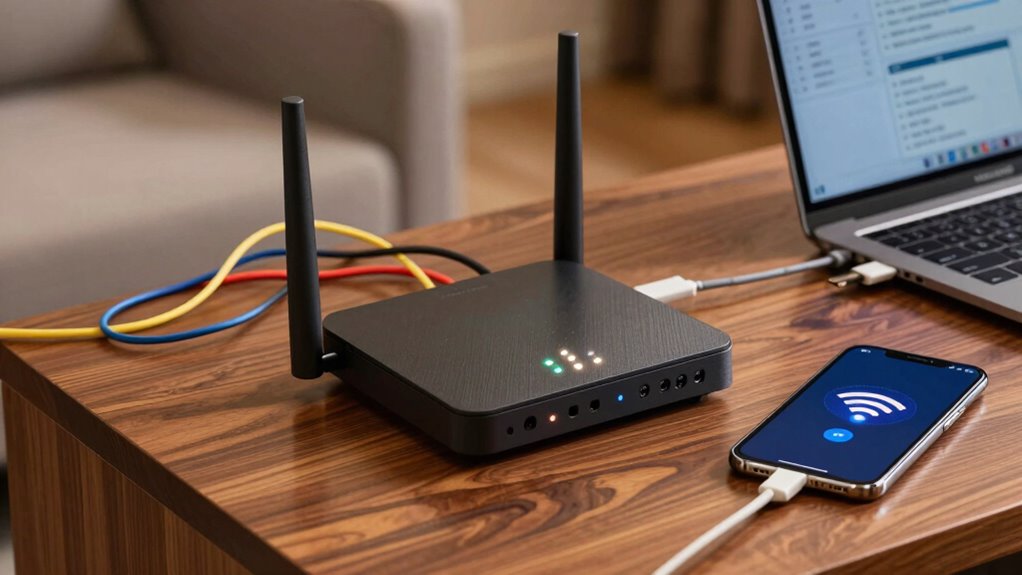
Travel router issues can be frustrating, but many common problems have straightforward solutions. If you’re having trouble connecting or managing your device, try these steps:
- Check password management—ensure your Wi-Fi password is correct and updated. Reset it if needed.
- Confirm device compatibility—verify your router supports your device’s operating system and hardware.
- Restart your router—power cycle it to resolve temporary glitches and refresh connections.
If issues persist, update your router’s firmware and reset settings to factory defaults. Always keep your password secure but accessible for easy management. By addressing these key areas, you’ll resolve most connectivity problems quickly and keep your hotel Wi-Fi secure.
Top Travel Routers for Secure Hotel Wi-Fi
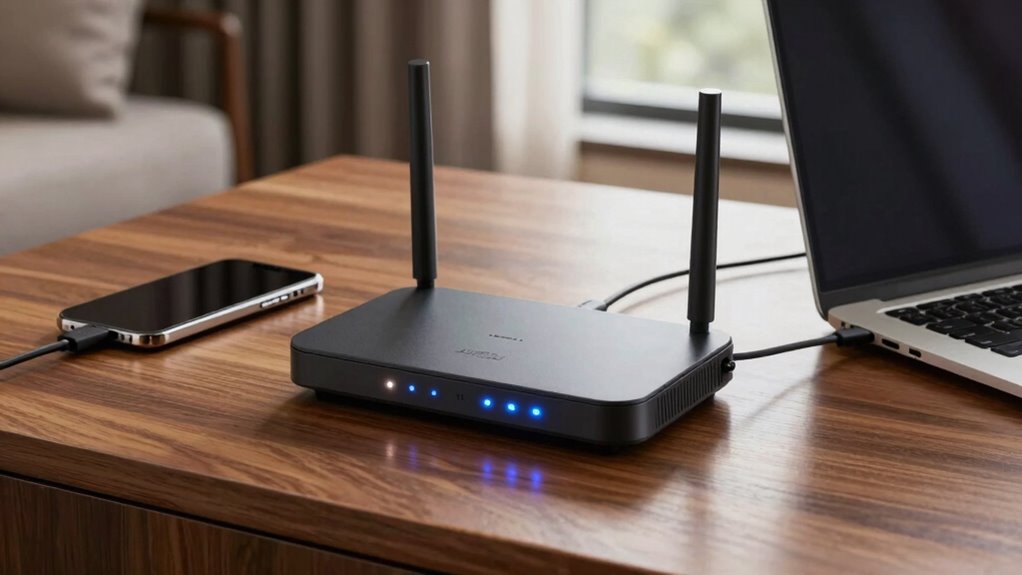
When selecting a travel router for hotel Wi-Fi, prioritizing security features is essential to protect your data on the go. Look for models that support strong encryption protocols like WPA3 and offer built-in VPN capabilities to bypass hotel bans and avoid wifi throttling. These routers help create a secure, private network, shielding you from potential cyber threats and ensuring your sensitive information stays safe. Top options include the TP-Link AC750, which offers easy setup and reliable security, and the Netgear Nighthawk, known for its advanced encryption and VPN support. Compact, user-friendly, and equipped with multiple security features, these routers empower you to connect confidently, even when hotel networks restrict access or slow down your connection.
Final Tips to Protect Your Data While Traveling
While choosing a secure travel router helps protect your data, there are additional steps you can take to enhance your privacy during your trip. First, avoid accessing sensitive information over public Wi-Fi unless your connection uses strong data encryption. Second, use a virtual private network (VPN) to secure your internet traffic, especially on open networks. Third, always verify the Wi-Fi network name and avoid connecting to unfamiliar or unsecured hotspots. These precautions help prevent hackers from intercepting your data. Remember, even with a travel router, your data remains vulnerable if you don’t take extra measures. Protect your information by staying cautious, encrypting your data, and only connecting to trusted networks. Your privacy depends on proactive security practices during your travels.
Frequently Asked Questions
Can I Use a Travel Router With Multiple Devices Simultaneously?
Yes, you can use a travel router with multiple devices simultaneously. Most travel routers support device compatibility with smartphones, tablets, and laptops, allowing you to connect several devices at once. Just guarantee the signal strength is strong enough to handle multiple connections without slowing down your internet. This setup keeps all your devices secure and connected, making your travel experience smoother and more convenient.
How Does a Travel Router Prevent Hacking Attempts on Hotel Wi-Fi?
Did you know 90% of hotel Wi-Fi networks lack adequate security? A travel router prevents hacking attempts by creating a secure, encrypted network using robust encryption protocols, making it harder for hackers to intercept your data. It also uses network segmentation to isolate your devices from potential threats on the hotel’s network, effectively shielding your personal information and reducing the risk of cyberattacks while traveling.
Is It Necessary to Update My Travel Router’s Firmware Regularly?
Yes, you should regularly update your travel router’s firmware to guarantee ideal router stability and security. Firmware updates fix bugs, patch vulnerabilities, and improve performance, helping protect your device from potential threats. Keeping your firmware current ensures your travel router runs smoothly and securely, especially when connected to public Wi-Fi networks. Make it a habit to check for updates periodically to stay protected and maintain reliable internet access during your travels.
What Are Common Signs My Travel Router Is Not Working Properly?
Like a ship losing its compass, you’ll notice your travel router malfunctioning when signal issues arise or connections drop unexpectedly. You might experience slow internet speeds, frequent disconnects, or difficulty accessing the network. If your device isn’t responding to setup commands or shows unusual lights, it’s a sign it’s not working properly. Keep an eye out for these signs to troubleshoot early and keep your Wi-Fi secure and reliable.
Can I Connect a Travel Router to an Existing Hotel Ethernet Port?
Yes, you can connect a travel router to a hotel ethernet port, but you need to verify its compatibility first. Make sure your router supports Ethernet connections and is compatible with the hotel’s network setup. Plug the router into the hotel ethernet, then configure it to share the connection securely. This setup helps protect your devices and ensures a stable, private Wi-Fi network during your stay.
Conclusion
While hotel Wi-Fi offers convenience, it often exposes your data to risks. Using a travel router creates a secure haven amidst these vulnerabilities, giving you control and peace of mind. Don’t forget, though, that security isn’t just about tools—it’s about staying vigilant. In a world of endless connectivity, safeguarding your data means balancing trust with caution, turning potential threats into opportunities for smarter, safer travel. Your security starts with your choices—choose wisely.