
To set up a crypto wallet, first choose the right type based on your needs—software for convenience or hardware for security. If you prefer a hosted wallet, sign up on a reputable platform like Coinbase or Binance. For self-custody, download trusted wallet apps such as MetaMask or Trust Wallet, generate your private keys securely, and back them up offline. If using a hardware wallet, connect it to your device and follow the setup instructions carefully. Keep your keys private and secure, and if you keep exploring, you’ll learn more about protecting your assets effectively.
Key Takeaways
- Choose the appropriate wallet type (software, hardware, or hosted) based on your security and convenience needs.
- For hosted wallets, sign up on reputable platforms like Coinbase or Binance and complete verification steps.
- For self-custody wallets, download trusted apps like MetaMask or Trust Wallet, then generate and securely store your seed phrase.
- If using a hardware wallet, connect the device to your computer, install official software, and create a new wallet with a secure PIN and seed phrase.
- Keep private keys and seed phrases offline in secure locations, and never share them with anyone to protect your assets.

TANGEM Wallet Pack of 2 – Secure Crypto Wallet – Trusted Cold Storage for Bitcoin, Ethereum, NFT's & More Coins – 100% Offline Hardware Wallet
THE HIGHEST LEVEL OF SECURITY: Tangem Wallet generates the private key that never leaves the card. Your crypto…
As an affiliate, we earn on qualifying purchases.
As an affiliate, we earn on qualifying purchases.
Choosing the Right Type of Wallet
Are you unsure which type of crypto wallet best suits your needs? If so, consider your priorities: security, convenience, and control.
Software wallets, accessible via mobile or desktop apps, are perfect for active traders who need quick wallet support and easy set up a crypto. They offer private keys stored digitally, making backups simple but potentially less secure.
Hardware wallets provide offline storage for private keys, delivering the highest security for long-term holding, especially if you prioritize safety over frequent access. Check device compatibility and security features before choosing.
Hosted (custodial) wallets are managed by third parties, making setup quick but limiting control over private keys.
Ultimately, your choice depends on how much control and security you want, and how easily you want to back up your wallet. Understanding the importance of security can help you make the best decision for your crypto assets.
MetaMask wallet app
As an affiliate, we earn on qualifying purchases.
As an affiliate, we earn on qualifying purchases.
Creating a Hosted Wallet
Creating a hosted wallet involves selecting a reputable platform like Coinbase or Binance and signing up for an account. To do this, you’ll need to create an account and complete any personal verification required by the platform. Once verified, you’ll set up your login credentials, which protect your access. Hosted wallets store your crypto in a secure location managed by the platform, simplifying access and transfer of crypto to your wallet. Your wallet will have a unique wallet address, which you can share to receive funds. These platforms typically offer customer support if you encounter issues or forget your password. Vetted platforms often implement robust security measures to safeguard your assets. With hosted wallets, you rely on the platform’s security measures, making it a convenient choice for beginners.
TANGEM Wallet Pack of 2 – Secure Crypto Wallet – Trusted Cold Storage for Bitcoin, Ethereum, NFT's & More Coins – 100% Offline Hardware Wallet
THE HIGHEST LEVEL OF SECURITY: Tangem Wallet generates the private key that never leaves the card. Your crypto…
As an affiliate, we earn on qualifying purchases.
As an affiliate, we earn on qualifying purchases.
Setting Up a Self-Custody Wallet

Setting up a self-custody wallet gives you full control over your crypto assets, but it requires careful attention to security. First, download a trusted self-custody wallet app like MetaMask, Trust Wallet, or Electrum from official sources. When creating your wallet, generate a secure private key or seed phrase—these are your keys to access your funds. Write down your seed phrase and store it offline in a safe location; never share it or store it digitally. Your private key is essential for wallet recovery, so keep it confidential and secure. Always back up your seed phrase, because losing it means permanent access loss. With your wallet set up, you can now transfer cryptocurrency by using your wallet’s public address for receiving funds. Security best practices help ensure your assets remain protected.

Hotop 2 Pcs Crypto Wallets and 1 Pcs Metal Plate Marking Pen, Cryptocurrency Wallets for Hardware Cold Backups Seed Storage for Bitcoin Compatible with Bip39 Hardware(Black)
Quality Materials: these crypto wallets are made of aluminum with a melting point of over 2500 degrees Fahrenheit…
As an affiliate, we earn on qualifying purchases.
As an affiliate, we earn on qualifying purchases.
Installing and Configuring Hardware Wallets
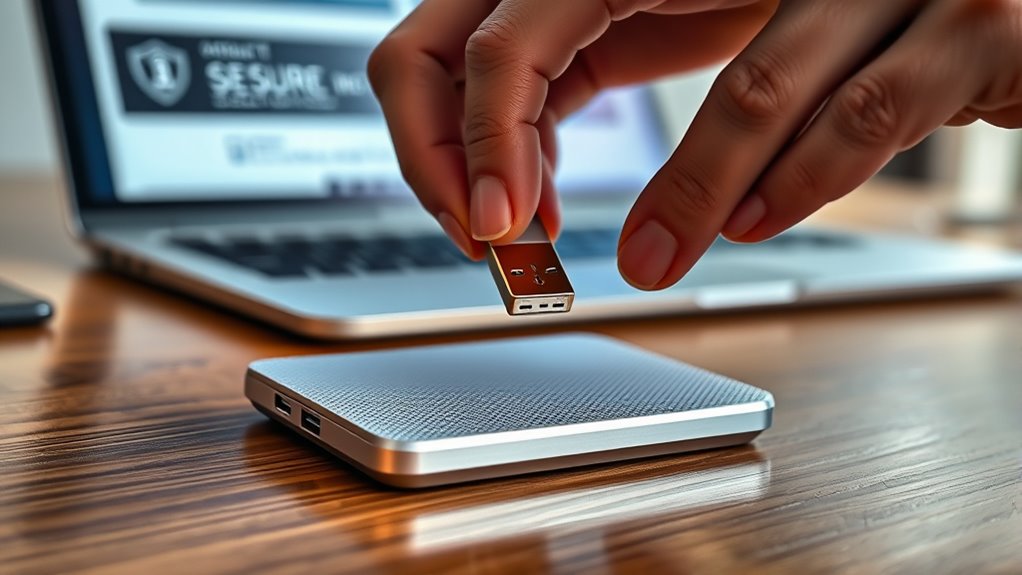
Choosing the right hardware wallet is your first step; trusted brands like Ledger Nano X and Trezor T offer reliable options. Once you’ve purchased your device, download the official app and follow the setup instructions to create a secure wallet and set a PIN. Afterward, you can transfer your crypto assets safely offline, knowing your funds are protected. To enhance your security, consider implementing encryption solutions that safeguard your private keys and transaction data.
Device Selection and Setup
To begin using a hardware wallet, you need to select a reputable device from trusted brands like Ledger or Trezor, ensuring you buy from official sources to avoid security risks.
Once you have your hardware wallet, connect it to your computer or mobile device via USB or Bluetooth, following the manufacturer’s instructions.
Next, install the official software or app provided by the device manufacturer to manage the setup and configuration process.
During setup, create a new wallet on the device, setting a strong PIN for security.
The device will generate a seed phrase—usually 12 or 24 words—that’s crucial for recovery.
Safely store this seed phrase offline in a secure location, as it’s essential for recovering your crypto assets if your device is lost or damaged.
Additionally, familiarize yourself with Postpartum Sexual Activity guidelines to ensure your health and safety when resuming intimacy after childbirth.
Securely Transferring Crypto Assets
Ever wondered how to securely transfer your crypto assets to your hardware wallet? First, connect your hardware wallet to your computer via USB or Bluetooth. Follow the setup instructions to create a new wallet, setting a secure PIN to protect access.
During setup, you’ll generate a recovery phrase, typically a 12- or 24-word seed phrase. Write this seed phrase down carefully and store it securely offline in a safe location—this is essential for offline storage and recovery. Gold IRA investments demonstrate the importance of safeguarding your assets with secure and reliable methods.
Once your wallet is configured, you can transfer crypto from exchanges or other wallets by using the official software or app. Always double-check the seed phrase and keep it private.
This process ensures your crypto assets stay safe, protected by your hardware wallet’s offline storage and security features.
Securing Your Wallet and Private Keys
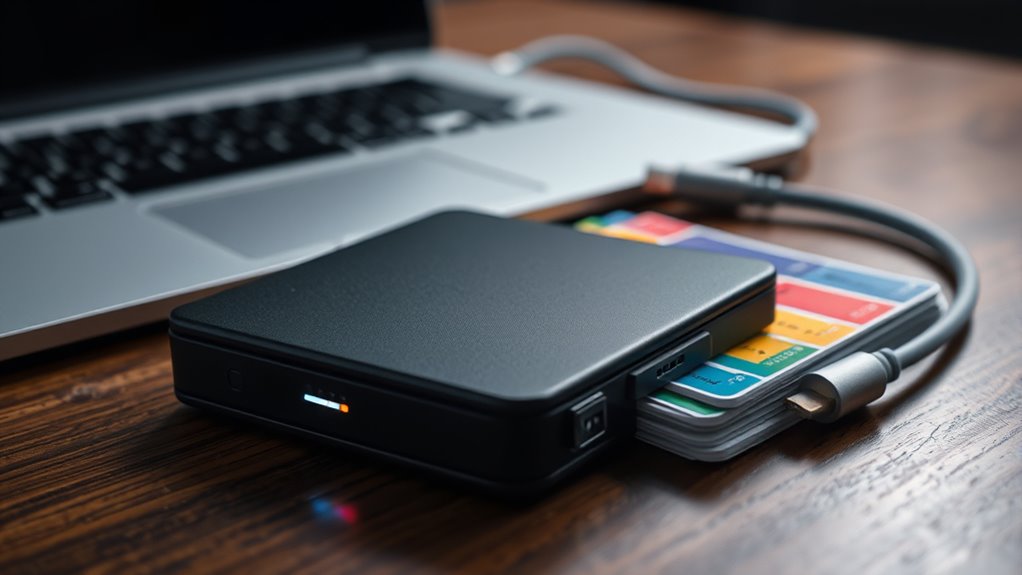
Securing your wallet and private keys is crucial to protecting your crypto assets from theft and unauthorized access. Keep your private keys and seed phrase offline, stored securely in a safe or lockbox, to prevent hacking. Using hardware wallets or encrypted offline storage methods to disconnect your private keys from internet-connected devices, enhancing security. Never share your seed phrase or private keys with anyone, as they grant full access to your funds. Regularly back up your seed phrase in multiple secure locations to guarantee you can recover your wallet if needed. Always avoid online or cloud-based storage for private keys to reduce hacking risks. Proper offline storage, encryption, and backups are essential to maintaining control and safeguarding your crypto assets. Additionally, understanding the different types of headphone jacks can help you choose compatible accessories for your devices.
Transferring Crypto Into Your New Wallet
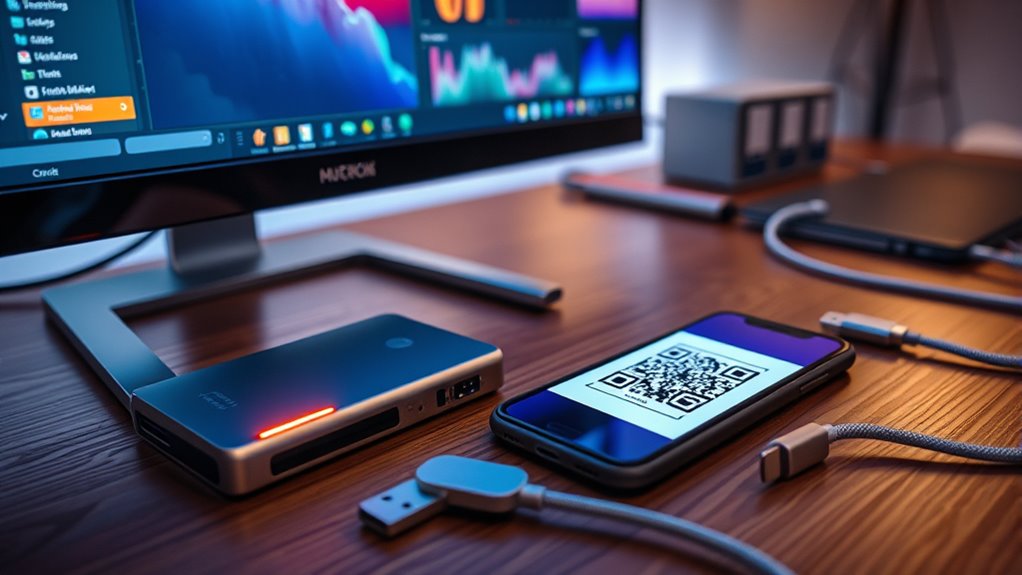
Transferring crypto into your new wallet begins by locating its receive or deposit address, which is usually displayed as a QR code or a string of alphanumeric characters. Make sure you’re copying the correct address type, like SegWit or legacy, compatible with your sending platform to avoid issues. To facilitate secure transactions, confirm that your wallet supports the popular brands of cryptocurrencies you plan to transfer. To initiate the transfer, enter or scan your wallet’s receive address from your exchange or previous wallet, then specify the amount of crypto you want to send. Confirm all transaction details, including the address and amount, before authorizing the transfer. Once completed, verify the transaction status on a blockchain explorer or within your wallet to ensure your crypto has been successfully received. This process relies on the public keys associated with your wallet and ensures a secure, accurate transfer.
Frequently Asked Questions
What Is the Best Crypto Wallet for Beginners?
When choosing the best crypto wallet for beginners, Coinbase stands out. You’ll find its user-friendly interface makes starting easy, and its seamless integration with popular cryptocurrencies simplifies managing your assets.
With secure login, two-factor authentication, and helpful educational resources, you get peace of mind. Plus, the mobile app and web platform let you buy, sell, and track your crypto effortlessly.
It’s a trusted choice for new users stepping into crypto.
How Do I Create a Crypto Wallet?
To create a crypto wallet, choose the type that fits your needs—software, hardware, or custodial.
Sign up by creating an account and setting a strong password or PIN.
Generate or import your private keys or seed phrase, then write them down and store them securely offline.
Finally, transfer cryptocurrencies into your wallet from an exchange or other wallets, so you can start managing your digital assets safely.
How Much Does It Cost to Open a Crypto Wallet?
You might think opening a crypto wallet costs a lot, but it usually doesn’t. Software wallets are free to download and set up, though they might charge small transaction fees.
Hardware wallets cost between $50 and $200, depending on features.
Custodial wallets from exchanges often have no setup fee but may include transaction or withdrawal fees.
Some platforms even offer free trials or promos, making it pretty affordable to get started.
Is Opening a Crypto Wallet Free?
Yes, opening a crypto wallet is generally free. Most software and web-based wallets don’t charge any initial fees, allowing you to create an account at no cost.
Hardware wallets require a one-time purchase, but creating the wallet itself is free.
Keep in mind, though, that you might encounter transaction or network fees later when you send or receive cryptocurrencies.
Conclusion
Now that you’ve set up your crypto wallet, think of it as locking away a precious gem—secure and protected. Just like a sturdy safe, your wallet keeps your digital assets safe from harm. Remember to keep your private keys private and stay vigilant against scams. With your wallet ready, you’re all set to explore the crypto world confidently, like a sailor steering familiar waters—prepared and in control.