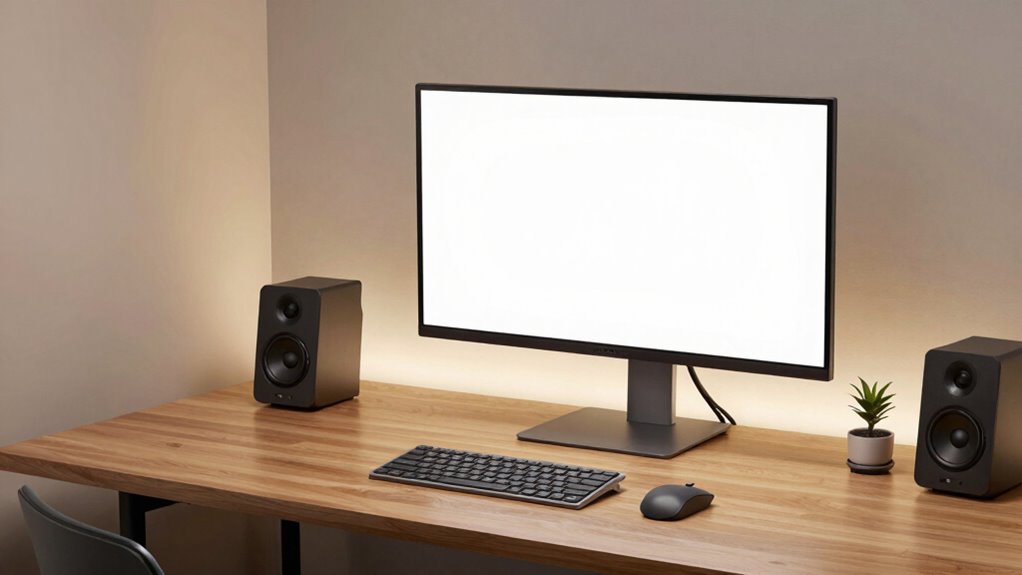

To avoid overcomplicating your high-end desktop, focus on selecting only the components that suit your primary needs, like gaming or content creation, and skip unnecessary upgrades or flashy features. Prioritize simplicity by choosing reliable parts and straightforward cooling solutions, such as quality air or closed-loop liquid coolers. Use tidy cable management for better airflow and avoid gimmicks like excessive RGB. Keeping your build focused on core performance helps prevent future headaches—discover more tips for a balanced setup ahead.
Key Takeaways
- Focus on essential components that directly enhance your primary use case, avoiding unnecessary upgrades.
- Choose simple cooling solutions like quality air or closed-loop liquid coolers instead of complex custom loops.
- Maintain tidy cable management to ensure good airflow without overengineering aesthetic details.
- Limit aesthetic modifications and RGB lighting to preserve build reliability and ease of maintenance.
- Prioritize high-quality, reliable parts over flashy features to create a straightforward, purpose-driven system.
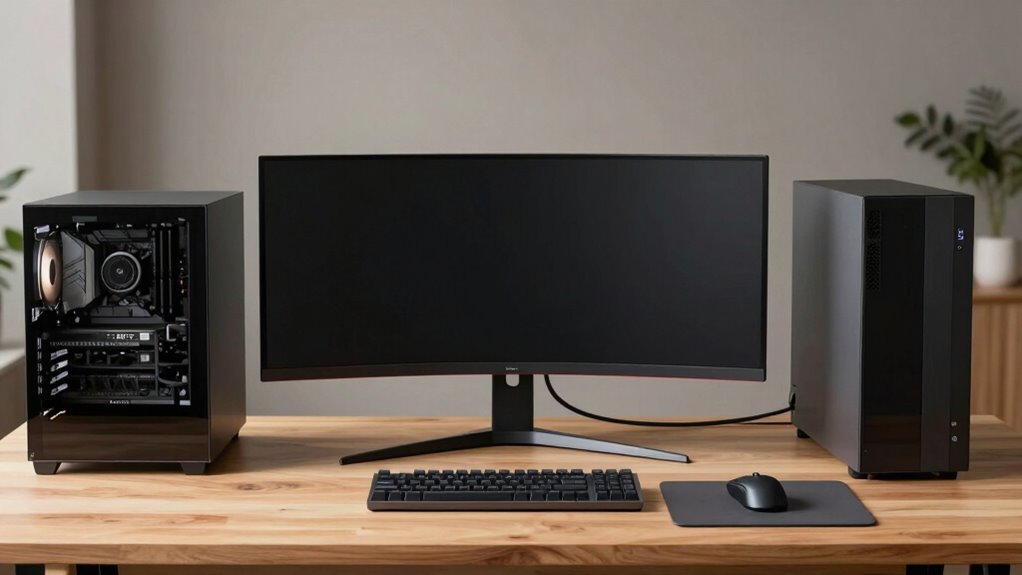
Building a high-end desktop can be exciting, but it’s easy to fall into the trap of overcomplicating things. When you’re enthusiastic to get top-tier performance, it’s tempting to add every new component, feature, or customization, but too much can lead to a cluttered, inefficient setup. To avoid that, focus on simplicity and purpose. Start with a clear plan: identify what you’ll use your desktop for most—gaming, content creation, or professional work—and choose components that align with those needs. Resist the urge to upgrade every part just because you can; instead, aim for a balanced build that delivers what you need without unnecessary extras.
Keep your high-end build simple and purposeful for better performance and easier maintenance.
Custom cooling is a good example of how overcomplication can sneak in. While custom cooling systems can improve performance and aesthetics, they can also add complexity, cost, and maintenance. If your main goal is quiet operation or better thermal management, consider a high-quality air cooler or a closed-loop liquid cooler. These options are simpler to install and maintain than full custom loops, and they often provide adequate cooling for most high-end setups. Remember, choosing a cooling system that fits your needs without excessive customization keeps your build cleaner and easier to troubleshoot down the line.
Cable management is another critical aspect where overcomplication often occurs. When you’re installing high-performance components, it’s tempting to route every cable perfectly in a way that looks like an art installation. But overdoing it can make maintenance and upgrades more difficult. Instead, aim for neat, organized cables that don’t obstruct airflow. Use cable ties, sleeves, or cable channels to keep things tidy, but don’t stress over every single bend and twist. Good cable management shouldn’t sacrifice functionality for aesthetics; it should strike a balance that makes your system easier to work with while still looking clean. Additionally, understanding the importance of proper airflow can help you prioritize what truly matters in your setup.
Furthermore, avoiding unnecessary aesthetic gimmicks like excessive RGB lighting or overly elaborate case modifications can help streamline your build and reduce potential points of failure. Finally, keep your build as straightforward as possible. Avoid unnecessary RGB lighting, excessive drives, or over-the-top cases just for the sake of aesthetics. Focus on quality, reliability, and ease of use. A simple, well-thought-out build not only performs better but also saves you time and frustration during setup and future upgrades. Remember, the goal isn’t to create the most complicated or flashy setup; it’s to build a powerful, dependable system that meets your needs without the headaches that come with overdesign.

Portable air conditioners with remote control, silent with 3 speeds, cooling fan of 1200 ml Personal Air Cooler Fan with 3 Mist, 7 Night Light, 8H Timer, Small Air Conditioner for Bedroom Office
- Quick Cooling in 3 Seconds: High-speed motor and ultrasonic atomizers
- Large 1200ML Water Tank: Lasts a full day with ice option
- Multiple Fan Speeds and Modes: 4 speeds and 3 cooling modes
As an affiliate, we earn on qualifying purchases.
As an affiliate, we earn on qualifying purchases.
Frequently Asked Questions
What’s the Best Way to Future-Proof My High-End Desktop?
To future-proof your high-end desktop, focus on flexible customization options like upgrade-friendly components and a modular design. Choose a motherboard with multiple PCIe and RAM slots, and opt for a power supply with extra capacity. Also, consider warranty considerations—select brands known for reliable support and easy component replacements. This way, you’ll stay adaptable for upcoming tech advancements and minimize hassle when upgrading down the line.
How Do I Optimize Cooling Without Overcomplicating the Build?
To optimize cooling without overcomplicating your build, focus on airflow optimization by arranging your fans for effective intake and exhaust. Use high-quality cooling solutions like a reliable air cooler or a simple liquid cooling system that fits your setup. Keep cables tidy to improve airflow and avoid clutter. Regularly clean dust filters and guarantee your case has enough ventilation, keeping temperatures low without adding unnecessary complexity.
Are There Any Essential Accessories I Should Consider?
Think of your setup as a symphony—each accessory plays a crucial role. Essential accessories include ergonomic peripherals like a comfortable keyboard and mouse, ensuring long hours don’t take a toll. Check peripheral compatibility beforehand to avoid discord. A good monitor stand or wrist support can enhance comfort, while quality speakers or headphones elevate your experience. These thoughtful additions keep your setup streamlined yet fully functional, balancing performance with comfort effortlessly.
How Can I Manage Cable Organization Effectively?
To manage cable organization effectively, start by using cable management solutions like cable ties, sleeves, or clips. Keep cables tidy by routing them along the edges of your desk or inside cable channels. Regularly check and adjust your setup to prevent tangles and clutter. Organization tips include labeling cables and avoiding excess slack. This keeps your workspace clean, improves airflow, and makes future upgrades easier and less stressful.
What Are Common Mistakes to Avoid in High-End Setups?
Think of your setup as a finely tuned orchestra—every part should work in harmony. Avoid common mistakes like over-customizing your case or choosing incompatible premium components, which can create chaos rather than performance. Focus on balanced upgrades, proper cooling, and clear cable management. This keeps your high-end desktop streamlined and efficient, preventing it from becoming a tangled mess that hinders your work or gaming experience.
Conclusion
Think of your high-end desktop as a finely tuned instrument, each component a crucial note in a symphony. When you avoid overcomplicating your setup, you craft harmony rather than chaos, allowing your system to sing smoothly. Keep it simple, focused, and purposeful—like a well-balanced melody. In doing so, you’ll enjoy a seamless performance, free of dissonance, where every part plays its role perfectly, creating a masterpiece that’s both powerful and elegant.