
To set up your robot vacuum for a multi-floor home, assign each level a specific zone and save maps for efficient navigation. Regularly maintain the device by emptying the dustbin, cleaning sensors, and updating software. Use multi-floor cleaning modes, and place or move charging stations for convenience. Keep pathways clear and schedule cleaning during off-peak hours to maximize battery life. Once you’ve optimized these steps, you’ll discover even more tips for seamless multi-floor cleaning.

Get business pricing on tech for your team
- Business-only prices and quantity discounts
- Tax-exempt purchasing
- Multiple users, one account, clear invoices
Key Takeaways
- Create and save detailed maps for each floor to optimize navigation and prevent missed spots.
- Use multiple charging stations or move the station to different levels for seamless multi-floor cleaning.
- Assign specific zones or rooms on each floor for targeted, efficient cleaning routines.
- Regularly maintain the vacuum by cleaning sensors, brushes, and emptying the dustbin to ensure optimal performance.
- Schedule cleaning during off-peak hours and set the vacuum to return to charge automatically to maximize battery life.
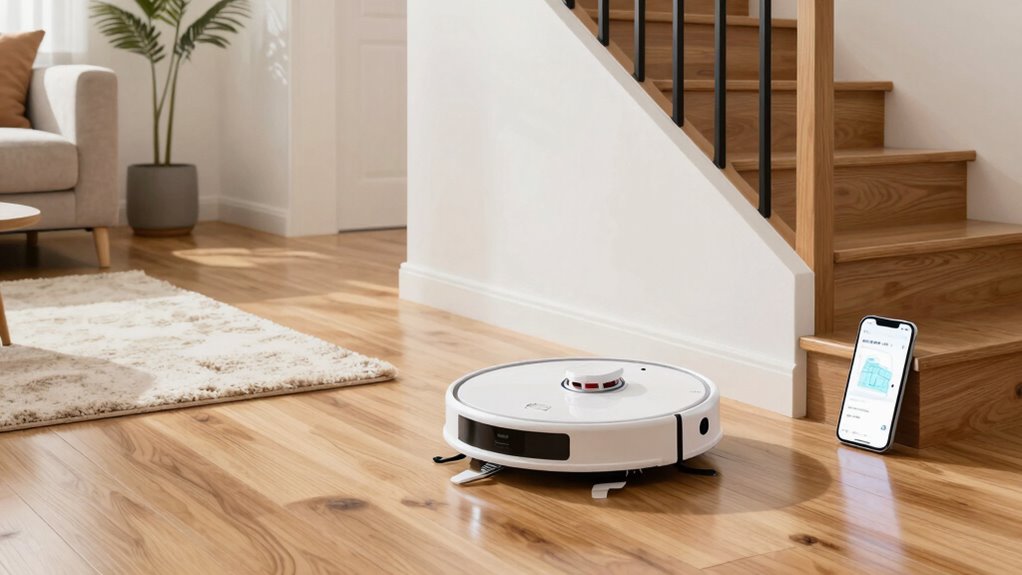
Setting up a robot vacuum for a multi-floor home requires careful planning to guarantee it cleans effectively across different levels. The first step is to assign specific zones or rooms on each floor and program your vacuum accordingly. Many models allow you to save maps of each level, which helps the robot navigate efficiently and avoid getting lost. This feature minimizes the need for repeated mapping and ensures thorough cleaning. To make sure your robot operates at its best, you need to focus on robot vacuum maintenance. Regularly empty the dustbin, check brushes for debris, and clean sensors to keep the device functioning optimally. Well-maintained equipment prevents operational hiccups and prolongs the lifespan of your vacuum. Additionally, software updates can improve navigation and cleaning features, ensuring your device stays current and performs at its best. Battery life optimization is crucial when dealing with multiple floors. You want your robot to complete cleaning sessions without running out of power halfway through a level. To achieve this, schedule your vacuum to clean when it’s least disruptive, typically during times when you’re home or during off-peak hours. If your model supports it, enable multi-floor cleaning modes and set the device to return to its charging station automatically once the battery drops below a certain threshold. This ensures the vacuum charges back up and can resume cleaning where it left off, eliminating the need to manually intervene. Additionally, consider the placement of charging stations; keep them accessible on each floor or move the station when switching levels if your model allows. To further optimize battery life, avoid overloading the vacuum with excessive clutter or obstacles that slow it down or cause it to drain more power. Clear pathways, and regularly check for items that could impede the vacuum’s movement. Proper floor planning can also help streamline the cleaning process and prevent missed spots. Furthermore, choosing a model with a long-lasting battery can make a significant difference in multi-floor cleaning efficiency. A well-maintained, properly charged robot vacuum uses less power, cleans more effectively, and extends its lifespan. Additionally, understanding the battery management features of your vacuum can help you better plan cleaning schedules and prolong overall battery health. Ensuring that your device is regularly maintained and that the battery is optimized will give you consistent cleaning results across all levels of your home. By paying attention to these details, you’ll enjoy a cleaner home with minimal effort, no matter how many floors you have.
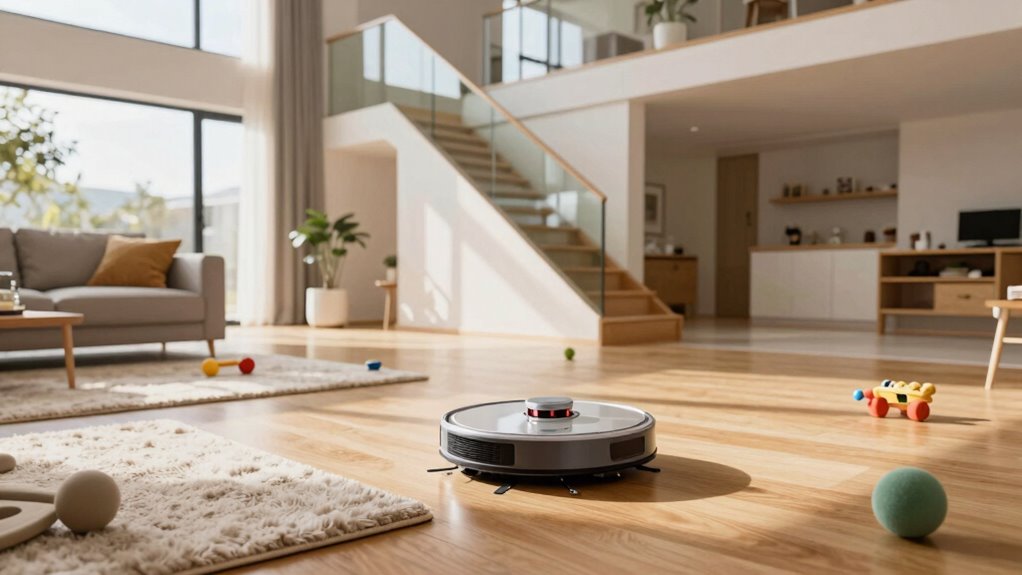
robot vacuum with multi-floor mapping
As an affiliate, we earn on qualifying purchases.
As an affiliate, we earn on qualifying purchases.
Frequently Asked Questions
How Often Should I Update the Robot Vacuum’s Firmware?
You should update your robot vacuum’s firmware whenever a new version is available, ideally every few months. Regular updates improve battery maintenance, ensuring longer run times and efficiency, and can reduce noise levels during operation. Staying current with firmware helps fix bugs and enhance performance, making your cleaning routine smoother. Check the manufacturer’s app regularly, and update promptly to keep your robot vacuum performing at its best across your multi-floor home.
Can Robot Vacuums Recognize Different Floor Types Automatically?
Yes, many robot vacuums now feature floor recognition with automatic detection. They can distinguish between different floor types, like carpets and hard floors, and adjust their cleaning modes accordingly. This automatic detection enhances cleaning efficiency and saves battery life. So, as you set up your multi-floor home, look for models that offer advanced floor recognition, ensuring your vacuum adapts seamlessly to each surface without manual adjustments.
What’s the Best Way to Prevent the Vacuum From Falling Down Stairs?
To prevent your robot vacuum from falling down stairs, position protective perimeter barriers or boundary strips around staircases. Regularly update the vacuum’s navigation system to minimize navigation errors, which can lead to falls. Consider setting designated zones for cleaning, saving battery life and reducing risks. You’ll want to watch for wandering wheels, ensuring the vacuum’s smart sensors stay sharp, steering clear of stair edges and safeguarding your space with simple, smart safeguards.
How Do I Reset My Robot Vacuum if It Gets Stuck?
If your robot vacuum gets stuck, first press the reset button or hold the power button until it turns off. Then, check the dustbin—empty it if it’s full—and guarantee the brushes are clean. While doing this, consider battery maintenance by charging the vacuum fully before restarting. Afterward, restart the device and guide it away from obstacles to prevent future getting stuck.
Are There Specific Cleaning Schedules for Multi-Floor Homes?
Imagine your robot vacuum gliding seamlessly from carpeted living rooms to tiled kitchens. You should set specific cleaning schedules for each floor, utilizing floor change sensors and cleaning zone mapping. These features help your robot recognize different levels and customize cleaning times accordingly. By doing so, you guarantee thorough cleaning without overlap, saving time and energy. Regularly update schedules based on your home’s activity to keep every floor spotless.
Conclusion
Now that you’ve set up your robot vacuum across multiple floors, you’ll enjoy effortless cleaning and more free time. Remember, the key is consistency and proper mapping to guarantee thorough coverage. With your smart setup, you’re not just cleaning—you’re creating a healthier, more comfortable home. Isn’t it worth investing a little effort now to enjoy cleaner spaces every day? Embrace this tech upgrade and let your robot do the hard work while you relax.
Fall Picks
fall essentials
As an affiliate, we earn on qualifying purchases.