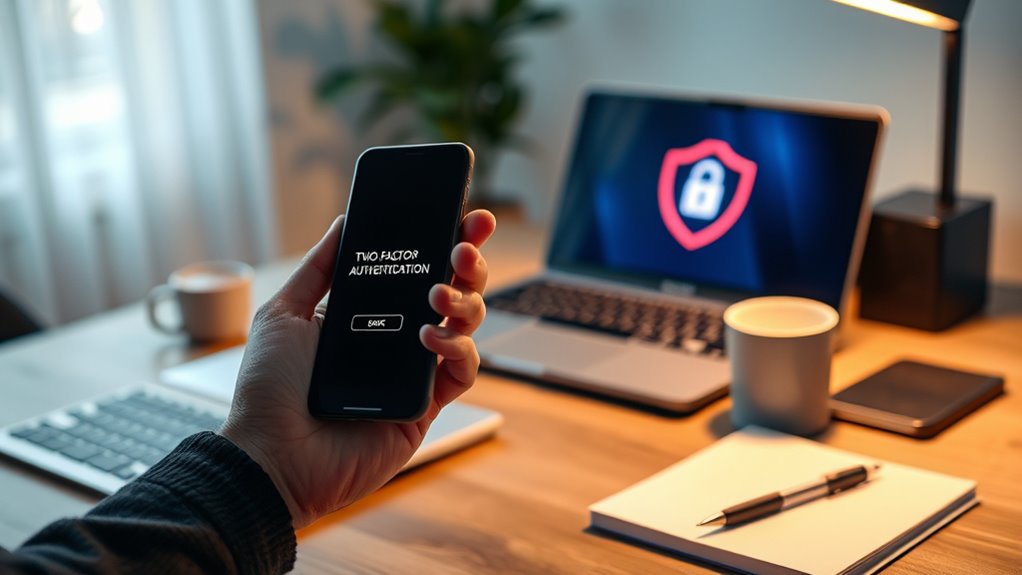

Like a fortress with many gates, your digital security depends on mastering the art of two-factor authentication. It’s a powerful tool, but it can feel overwhelming when you’re unsure which methods to trust or how to keep everything organized. If you want to protect your accounts without losing your mind, understanding the essentials—and knowing how to navigate them—becomes essential. The key to staying secure might be simpler than you think.
Open a free Amazon Business account
Business pricing, bulk buying and tax-exempt orders.
As an affiliate, we earn on qualifying purchases.
Key Takeaways
- Use authenticator apps or hardware keys for more secure and user-friendly 2FA over SMS.
- Keep backup codes in a safe, accessible place to prevent lockouts during device loss.
- Enable 2FA on all critical accounts to maximize security without overwhelming your daily routine.
- Regularly update and review your 2FA methods to ensure they remain effective and convenient.
- Simplify 2FA management with dedicated apps or password managers that securely store authentication codes.
In today’s digital landscape, securing your online accounts is more important than ever, and two-factor authentication (2FA) is one of the most effective tools to do so. It requires two distinct proofs of identity to verify you’re who you claim to be. Usually, this means entering your password followed by a second factor like a one-time code or biometric data. By adding this extra layer, 2FA considerably boosts your account security beyond just a password alone. It’s a vital barrier against unauthorized access, whether from hackers trying to steal your data or physical intruders attempting to breach your accounts or locations. Data breaches caused by compromised credentials are common, but 2FA can prevent most of these attacks. As more online services recognize its importance, 2FA is becoming increasingly mandatory, helping protect your personal info from malicious actors.
Securing your online accounts with 2FA is essential to prevent data breaches and protect your personal information.
The primary authentication factors in 2FA consist of something you *know*—like your password—and something you *have* or *are*. Your second factor might be a physical device, such as a smartphone app or security key, or a biometric trait like your fingerprint or face. Common methods include receiving SMS codes, generating one-time passcodes with authenticator apps, or using biometric scans. Physical security keys, often USB devices, provide a strong hardware-based second layer, making it difficult for attackers to breach your account even if your password is compromised. Biometrics, on the other hand, offer quick and convenient verification, relying on your unique physical features. These methods help guarantee that even if someone steals your password, they still need another proof of identity to access your accounts. Additionally, understanding the different authentication methods can help you choose the most suitable security measures for your needs.
There are various ways to implement 2FA, each with its own pros and cons. SMS-based 2FA is widespread—your service sends a one-time code via text message for you to enter during login. Authenticator apps generate these codes locally on your device, often providing higher security than SMS. Phone call verification offers an automated call with a confirmation or code, while email verification sends a link or code for validation. Biometric 2FA is gaining popularity because it’s quick and seamless; it uses your fingerprint, voice, or facial recognition to authenticate you. The goal is to make access more secure without making login inconvenient. Research shows that multi-factor authentication significantly reduces the risk of account compromise. However, users should stay informed about potential vulnerabilities in different methods to maintain strong security.
As an affiliate, we earn on qualifying purchases.
Conclusion
With a little patience and preparation, mastering two-factor authentication becomes manageable and even motivating. By blending basic benchmarks with brilliant backups and breezy biometric options, you bolster your security without feeling overwhelmed. Remember, staying organized and exploring diverse authentication methods makes the process painless and powerful. So, embrace these techniques, empower your protection, and enjoy the peace of mind that comes with confident, consistent cybersecurity. Your digital defense is now firmly in your grasp!
NFL season / tailgating Picks
team gear
As an affiliate, we earn on qualifying purchases.