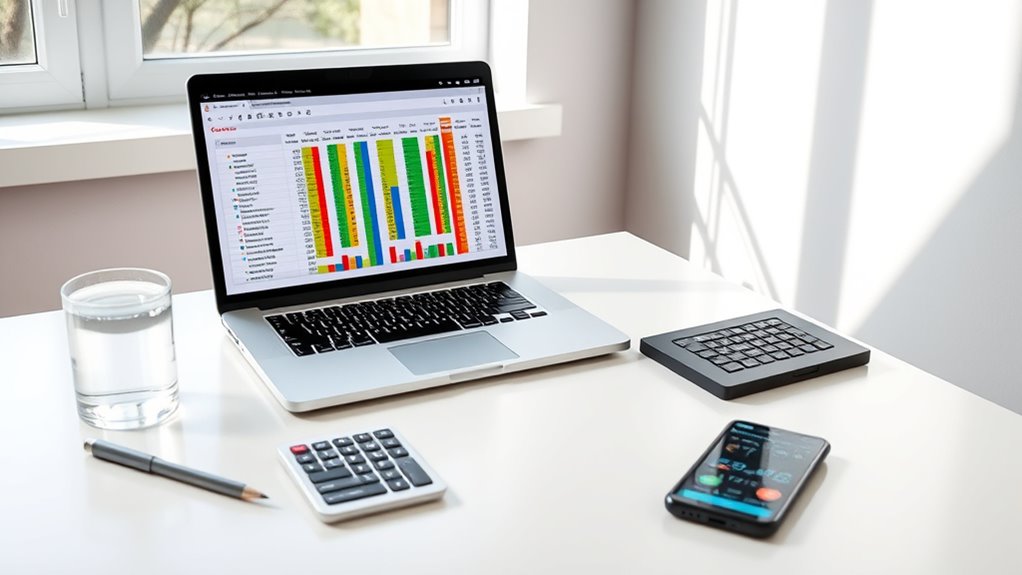

Creating a crypto budget spreadsheet that actually works requires more than just listing your assets. You need an organized approach that tracks your investments, updates market prices in real time, and helps you make informed decisions. Without proper structure, it’s easy to overlook key details or lose track of your portfolio’s performance. But with the right setup, you can gain clarity and confidence in managing your cryptocurrency holdings—and that’s just the beginning.
Key Takeaways
- Organize assets with columns for name, ticker, quantity, purchase price, and current market price for clear tracking.
- Automate live price updates using Excel’s Stocks feature or Google Sheets ImportHtml for real-time data.
- Log all transactions with details to monitor portfolio changes and calculate current holdings automatically.
- Use conditional formatting and visual charts to identify significant shifts and visualize asset distribution.
- Ensure data accuracy by verifying reliable sources, and protect sensitive information with security measures.
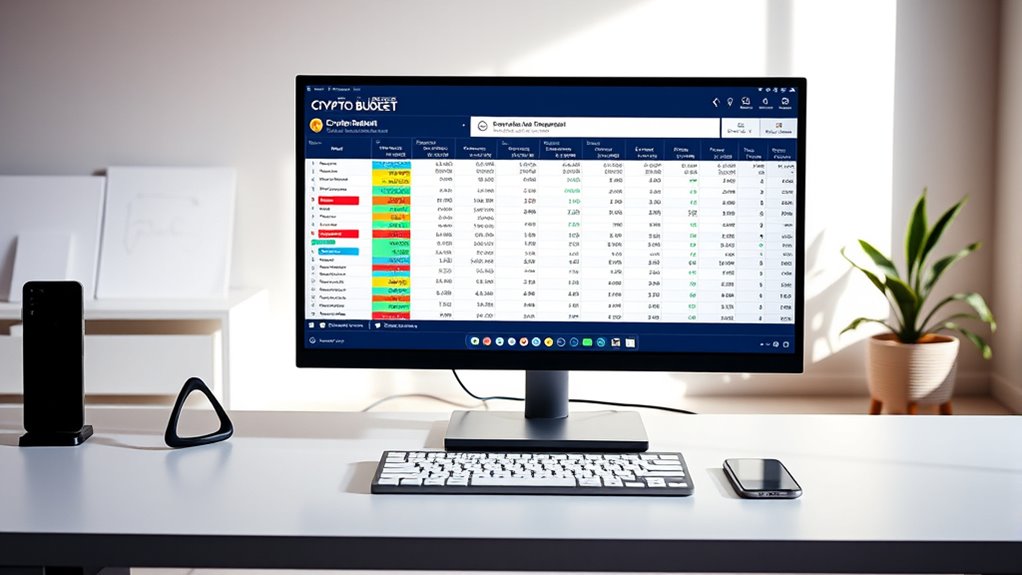
Creating a crypto budget spreadsheet is an indispensable step to managing your digital asset investments effectively. It helps you stay organized, monitor your portfolio’s performance, and make informed decisions. To get started, you’ll want to set up a clear framework. Create columns for the cryptocurrency name, ticker symbol, and the quantity you hold to organize your assets efficiently. Include the purchase price per coin and the total cost for each investment so you can easily evaluate your initial outlay. Adding a column for the current market price, with live updates, keeps your data fresh. You can automate this in Excel using data types or in Google Sheets with the ImportHtml formula, which pulls real-time prices from trusted sources. This way, your portfolio value updates dynamically, reflecting the latest market movements. To calculate your holdings’ worth at any moment, multiply the quantity by the current price. This helps you see the real-time value of your assets without manual recalculations. Incorporate gain/loss columns to track performance by comparing current values against your purchase prices, giving you instant insight into your profits or losses.
A well-structured crypto budget spreadsheet helps track assets, automate price updates, and monitor performance for smarter investing.
Automating live price data integration is vital for accuracy. In Excel, use the Data tab’s “Stocks” feature to pull in real-time prices. In Google Sheets, apply ImportHtml or leverage Google Apps Script to fetch updates every 15 minutes. Make sure your ticker symbols match those recognized by data providers to avoid errors, and set your data connection to refresh automatically when you open the spreadsheet. Regularly testing these updates prevents issues caused by API changes or data source limitations, ensuring your information remains reliable. Additionally, it’s important to verify the source’s reliability to maintain data integrity and avoid discrepancies caused by outdated or incorrect information. Incorporating reliable data sources is essential for maintaining the accuracy of your financial analysis and avoiding costly mistakes.
Tracking transactions and portfolio changes is equally important. Maintain a dedicated transaction log recording each buy or sell, including the date, quantity, price, fees, and transaction type. Use formulas to automatically update total holdings based on these entries, which keeps your asset counts accurate as you buy or sell. If you manage multiple wallets or exchange accounts, include wallet addresses or platform details. Periodically save snapshots of your data to analyze growth over time, giving you a historical perspective of your investments. Regular reviews of your data help identify trends and inform future investment strategies.
Customizing your spreadsheet for personal needs enhances its usefulness. Add categories or tags for different assets like DeFi coins, NFTs, or stablecoins to improve organization. Use conditional formatting to highlight significant price swings or portfolio value changes. Create charts or dashboards that visualize your holdings’ distribution, allocation, and performance trends. Incorporate a budget component to track how much you’re investing versus your overall financial plan. Sharing access with trusted advisors or partners can streamline collaborative management. To further safeguard your data, consider encrypting your spreadsheet or setting up user permissions, especially if you share sensitive information.
Finally, leverage free templates or specialized tools like CoinLedger or Stackby to simplify setup. Customize these templates with additional metrics such as ROI, volatility, or staking rewards, and connect APIs for real-time sync. Always double-check your manual entries, especially purchase prices and quantities, to avoid costly mistakes. Protect your spreadsheet with passwords or encryption to guarantee your sensitive data stays secure. An organized, automated crypto budget spreadsheet isn’t just useful — it’s essential for long-term success. This approach ensures you are leveraging accurate, real-time data to make informed investment decisions.
Conclusion
By setting up a well-structured crypto budget spreadsheet, you gain clear insights into your investments. For example, imagine tracking Bitcoin and Ethereum, seeing how their prices fluctuate in real-time, and adjusting your holdings accordingly. With this tool, you can spot opportunities or risks instantly, making smarter decisions. Keep your data secure and regularly update your info—your crypto journey becomes more manageable and confident with an organized, dynamic spreadsheet at your fingertips.