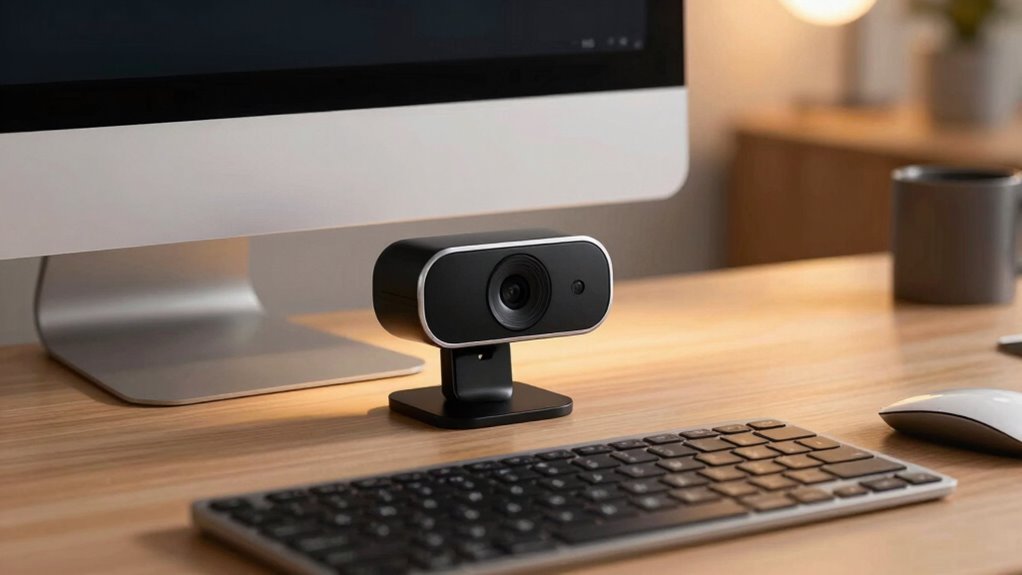

To instantly make your webcam setup feel premium, focus on good lighting by using soft, diffused sources and avoiding harsh shadows. Keep your background tidy and visually appealing, free of distractions, and consider adding a neutral or coordinated backdrop. Position your camera at eye level for clear visuals, and wear neat, solid-colored clothing. Creating a clean, professional environment enhances your overall impression, and if you continue, you’ll discover even more tips to elevate your setup further.
Key Takeaways
- Use soft, diffused lighting to create a balanced, professional appearance.
- Keep the background tidy, neutral, and free of distractions for visual harmony.
- Position the camera at eye level for clear, focused visuals and confident framing.
- Ensure good camera resolution and focus for sharp, high-quality video.
- Maintain a clean, polished overall setup with neat appearance and minimal accessories.
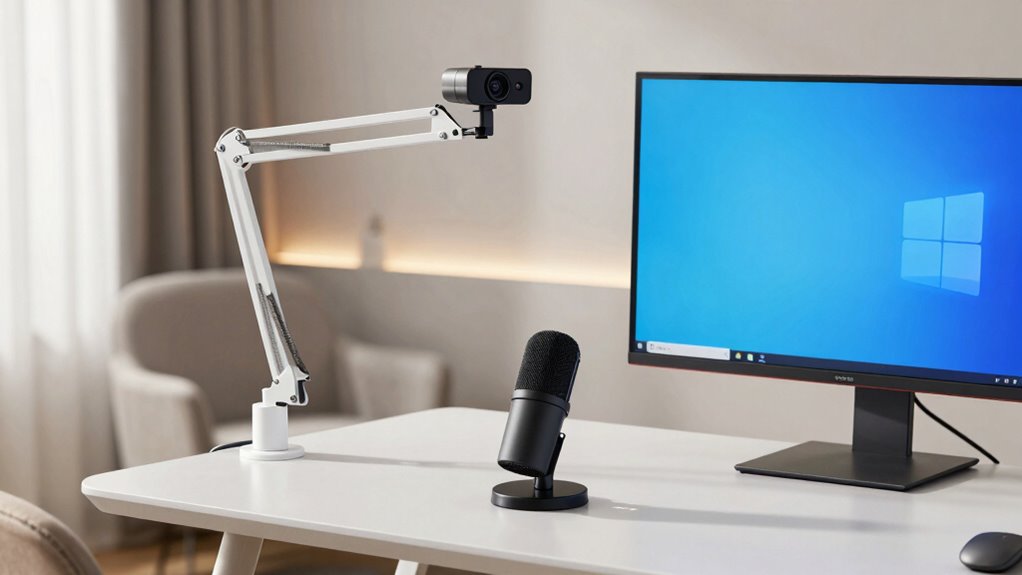
Setting up your webcam correctly can make a big difference in the quality of your video calls and recordings. When your goal is to make your setup feel premium instantly, focus on key details that elevate your appearance and environment. First, lighting enhancement plays a crucial role. You want your face to be well-lit without harsh shadows or overexposure. Natural light is your best friend—position yourself near a window, but avoid direct sunlight that can cause glare. If natural light isn’t enough, invest in soft, diffused lighting like ring lights or LED panels. These provide even illumination, making your skin look vibrant and your features clear. Good lighting not only improves visibility but also creates a polished, professional atmosphere on camera.
Next, consider background organization. A cluttered or distracting background can detract from your message and make your setup feel less refined. Choose a tidy, intentional backdrop that reflects your personality or brand, such as a clean wall, a bookshelf, or a tasteful piece of artwork. Keep distracting objects out of frame and opt for neutral or coordinated colors to maintain visual harmony. If you’re working in a shared space, consider using a backdrop or a curtain to hide clutter and create a more controlled environment. An organized background signals professionalism and shows you care about your presentation, instantly elevating the perceived quality of your calls. Additionally, incorporating adequate lighting can further enhance the overall appearance and feel of your setup. Ensuring your environment is free from noise or interruptions also contributes to a more professional impression during calls. Creating a dedicated space can help you maintain focus and project confidence on camera, making your setup feel more intentional and polished. Paying attention to camera resolution and focus is also essential, as clear visuals reinforce the sense of a high-quality setup, especially when combined with a neat appearance—wearing simple, solid colors and minimal accessories—so your face remains the focal point. When you combine good lighting, a tidy background, proper camera positioning, and a clean appearance, your webcam setup will feel instantly more professional and polished, leaving a lasting impression on every call.

Cyezcor Video Conference Lighting Kit, Ring Light for Monitor Clip On
- Adjustable Color Temperature: 3200K-6800K with 3 modes
- Brightness Levels: 5 adjustable brightness settings
- High-Quality LED Beads: 48 LEDs with 10W brightness
As an affiliate, we earn on qualifying purchases.
As an affiliate, we earn on qualifying purchases.
Frequently Asked Questions
How Does Lighting Affect the Premium Feel of a Webcam Setup?
Lighting markedly enhances the premium feel of your webcam setup by creating the right ambiance and highlighting your features. You should aim for soft, even lighting that minimizes shadows and uses a warm or neutral color temperature. Adjusting the color temperature helps achieve a natural look, making your calls appear more professional and polished. Good lighting boosts confidence and makes your video feel more inviting and high-quality.
What Audio Quality Improvements Enhance the Overall Call Experience?
Imagine the warmth of clear, crisp conversations lifting your calls to a new level. Improving audio quality starts with enhancing audio clarity through a high-quality microphone, capturing your voice with precision. Proper microphone positioning ensures your sound is directed perfectly, avoiding distractions. These simple tweaks create an engaging, professional atmosphere, making your calls feel seamless and polished. You’ll notice how much more confident and connected you feel with even small audio upgrades.
Can Background Customization Make Calls Seem More Professional?
Yes, background customization can make your calls seem more professional. Using virtual backgrounds helps hide clutter and creates a sleek, consistent look, while background blur adds a subtle, polished touch by keeping the focus on you. Both options eliminate distractions, enhancing your credibility and making your calls appear more polished and intentional. This simple upgrade instantly elevates your professional presence during virtual meetings.
How Important Is Camera Angle for Perceived Professionalism?
Camera angle is essential for perceived professionalism because it influences how you’re seen on calls. Proper camera positioning guarantees you’re well-centered and at eye level, which feels more natural and engaging. Framing techniques, like maintaining a balanced background and avoiding distractions, also boost professionalism. When you pay attention to these details, your calls instantly appear more polished, confident, and credible, making a strong positive impression.
Do Webcam Frame Rates Impact the Premium Quality Perception?
Think of your webcam as a window to your professionalism—higher frame rates are like a smooth, glassy surface reflecting clarity. Yes, your frame rate perception directly influences how premium your video feels; lower rates cause choppy, jittery video that distracts viewers. To elevate call quality instantly, opt for higher frame rates, ensuring video smoothness that mirrors a polished, high-end experience, leaving your audience impressed and confident in your presentation.
Conclusion
Think of your webcam setup as the window to your world—clear, polished, and inviting. When you invest in good lighting, a tidy background, and a steady camera, you’re not just improving your call quality; you’re opening a door to professionalism and confidence. Remember, the details you choose are the brushstrokes that paint your presence. Make your setup a mirror of your best self, and watch how it instantly elevates every call.