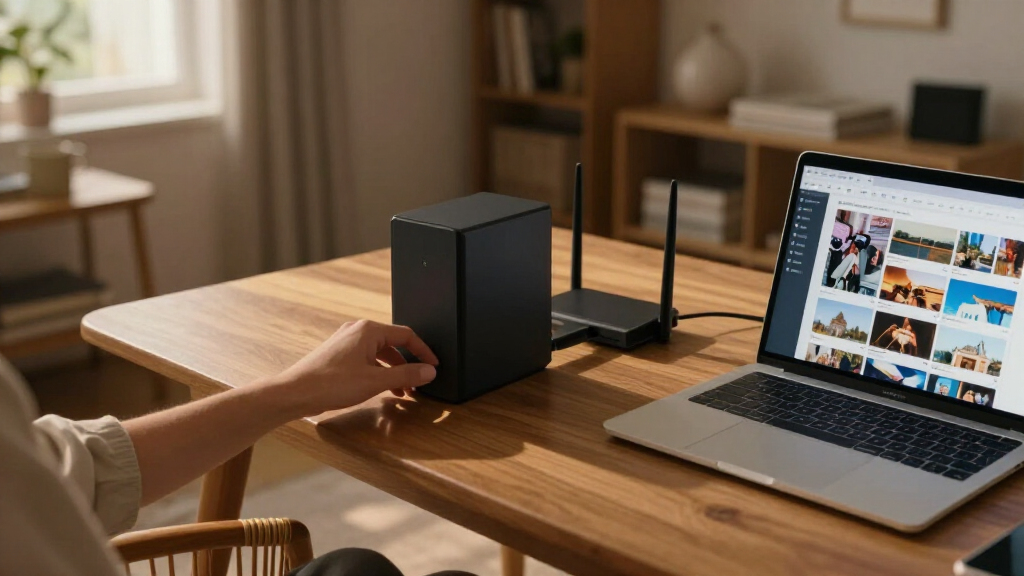
🔍 Read the full analysis: 10 Best Network Storage Solutions For Homes And Small Businesses In 2027 on ThorstenMeyerAI.com

Get business pricing on tech for your team
- Business-only prices and quantity discounts
- Tax-exempt purchasing
- Multiple users, one account, clear invoices
TL;DR
A roundup from ThorstenMeyerAI.com compares 10 network-attached storage systems for home and small-business use, weighing bay count, included drives, setup demands and capacity options. It names the Synology DS225+ as its overall pick, but says the ranking is based on specifications and intended use, not hands-on testing.
ThorstenMeyerAI.com has published a 10-model NAS roundup for homes and small businesses, naming the Synology DS225+ its top overall pick and identifying four-bay systems as better suited to buyers planning for more capacity, as detailed in the original analysis. The comparison is based on product specifications and intended use, not hands-on testing, so its rankings are guidance rather than independently verified performance results.
The roundup places the DS225+ first for buyers seeking a two-bay system with a fuller-featured platform, in line with other NAS recommendations. It describes the UGREEN NAS DXP4800 GT as a stronger match for people who want a more capable four-bay unit, and the Synology DS223 as a simpler two-bay option for shared files. The source does not provide benchmark results or direct comparative testing.
Its 10 picks are the Synology DS225+, UGREEN NAS DXP4800 GT, Synology DS223, UGREEN DH4300 Plus, Synology DS425+, Synology DS223j, UGREEN DH2300, and three Buffalo LinkStation models: the LinkStation 210, LinkStation 710 and LinkStation 720. The article frames the Buffalo units as bundled-storage options, while several Synology and UGREEN models are diskless and require buyers to supply compatible drives.
The comparison weighs drive-bay count, whether drives are included, setup effort, capacity flexibility and likely use for backups, shared files and media libraries, including considerations explored in AI-enhanced NAS solutions. The source does not list prices, drive configurations or detailed feature-by-feature specifications for all 10 products, limiting how precisely readers can compare total cost and capabilities from the supplied information.
The 10 picks
- 1
 Synology DS425+ 4-Bay Diskless NASView on Amazon →
- 2
 UGREEN NAS DXP4800 GT 4-Bay Network Attached StorageView on Amazon →
- 3
 UGREEN NAS DXP2800 2-Bay for Advanced Home Users, Remote Workers & CreatorsView on Amazon →
- 4
 UGREEN NAS DH4300 Plus 4-Bay Network Attached StorageView on Amazon →
- 5
 Synology DS225+ 2-Bay Diskless NASView on Amazon →
- 6
 Synology DS223 2-Bay Diskless NASView on Amazon →
- 7
 UGREEN NAS DH2300 2-Bay Desktop NASync, Support Capacity 64TB (Diskless), Rem…View on Amazon →
- 8
 BUFFALO LinkStation 210 6TB 1-Bay NASView on Amazon →
- 9
 Synology DiskStation DS223j 2-Bay NAS (Diskless)View on Amazon →
- 10BUFFALO LinkStation 210 2TB 1-Bay NASView on Amazon →
Choosing Capacity Without Overspending
The choice affects more than the price of the enclosure. A two-bay NAS can support a mirrored arrangement, which may preserve access to files if one drive fails, while a four-bay unit offers more possible storage layouts and room to plan for growth. More bays can also mean additional drive costs and setup decisions, so they are not automatically the right choice for every household or small office.
Bundled systems can reduce the work of selecting and installing drives, but buyers should check whether the included capacity will last. With a diskless model, the purchase budget must cover the enclosure and the compatible drives needed for the intended setup. In either case, the roundup cautions that drive mirroring is not a substitute for a separate backup: it does not by itself protect against deletion, theft, ransomware or damage to the whole device.
Products Worth Considering

Samsung Galaxy Tab A11+ 8GB RAM, 256GB Storage, Gray

Samsung Galaxy Tab A11+ (6GB RAM, 128GB Storage) – Gray

Samsung Galaxy Tab A9+ 11-Inch Android Tablet, 64GB, Graphite
As an affiliate, we earn on qualifying purchases.
How the Roundup Weighed Each NAS
The source says its ranking reflects the ownership experience buyers can expect from bay count, drive inclusion, setup demands and flexibility. It favors two-bay systems for common home storage needs and moves four-bay models higher for people who expect larger libraries or want more room to expand. Simpler or bundled models remain options for narrower needs, but may offer less flexibility as storage requirements change.
The article describes the comparison as an assessment of specifications and intended use, rather than hands-on testing. That distinction matters: the supplied material does not establish how the devices perform under identical workloads, how their software compares in practice or what support and update experience owners will receive. Buyers should check current manufacturer specifications and drive-compatibility information before purchasing.
“The best network attached storage pick in this roundup is the Synology DS225+.”
— ThorstenMeyerAI.com roundup
What the Rankings Do Not Establish
The source material does not specify the roundup’s publication date, the exact three Buffalo LinkStation model configurations assessed, current prices, or the tested drive capacities. It also does not provide hands-on performance results, reliability data or a detailed comparison of software features. The ranking should not be read as proof that the top pick is faster, more reliable or less expensive than the alternatives.
It is also unclear how the author resolved tradeoffs between different buyer needs or whether every model is available in every market in 2027. Product specifications, compatible drives and pricing can change; buyers should confirm those details with manufacturers or retailers before deciding. No model in the roundup should be treated as a complete data-protection plan without a separate backup arrangement.
Check Costs and Drive Support
Readers comparing these devices should first estimate current storage use and likely growth, then choose a bay count that fits that plan. They should compare the full system cost—including drives for diskless units—and verify that the selected drives are supported. For work or household files that matter, the next step is to plan a second copy on a separate device or service, rather than relying on mirroring alone.
The roundup does not announce further testing or a follow-up schedule. The practical next milestone for buyers is to confirm current specifications, pricing, software capabilities and availability for their preferred models before purchase.
Key Questions
Which NAS does the roundup recommend overall?
ThorstenMeyerAI.com names the Synology DS225+ as its overall pick, describing it as a two-bay option with a fuller-featured platform. The source says its assessment is based on specifications and intended use, not hands-on testing.
What is the advantage of a four-bay NAS?
Four bays can offer more capacity options and room to grow, making models such as the UGREEN NAS DXP4800 GT, UGREEN DH4300 Plus and Synology DS425+ candidates for larger storage plans. They can also require more drives, money and configuration work.
Do the NAS units include hard drives?
Not all of them. The source identifies several Synology and UGREEN models as diskless, meaning buyers need to purchase compatible drives separately. It describes the Buffalo LinkStation options as bundled-storage systems but does not give their exact included capacities.
Does mirroring a NAS drive replace a backup?
No. Mirroring can help keep files available after a single drive failure, but it does not protect against events such as accidental deletion, ransomware, theft or damage to the NAS. The source recommends keeping another copy on a separate device or service.
Source: ThorstenMeyerAI.com